Activity Levels —
Measure real focus, not just logged time
Move beyond "time logged" to actual engagement. TheDeskMonitor measures engagement signals every minute, giving you an objective activity score for every team member — so you see who is actively working, not just clocked in.
Start Free TrialObjective engagement, measured every minute
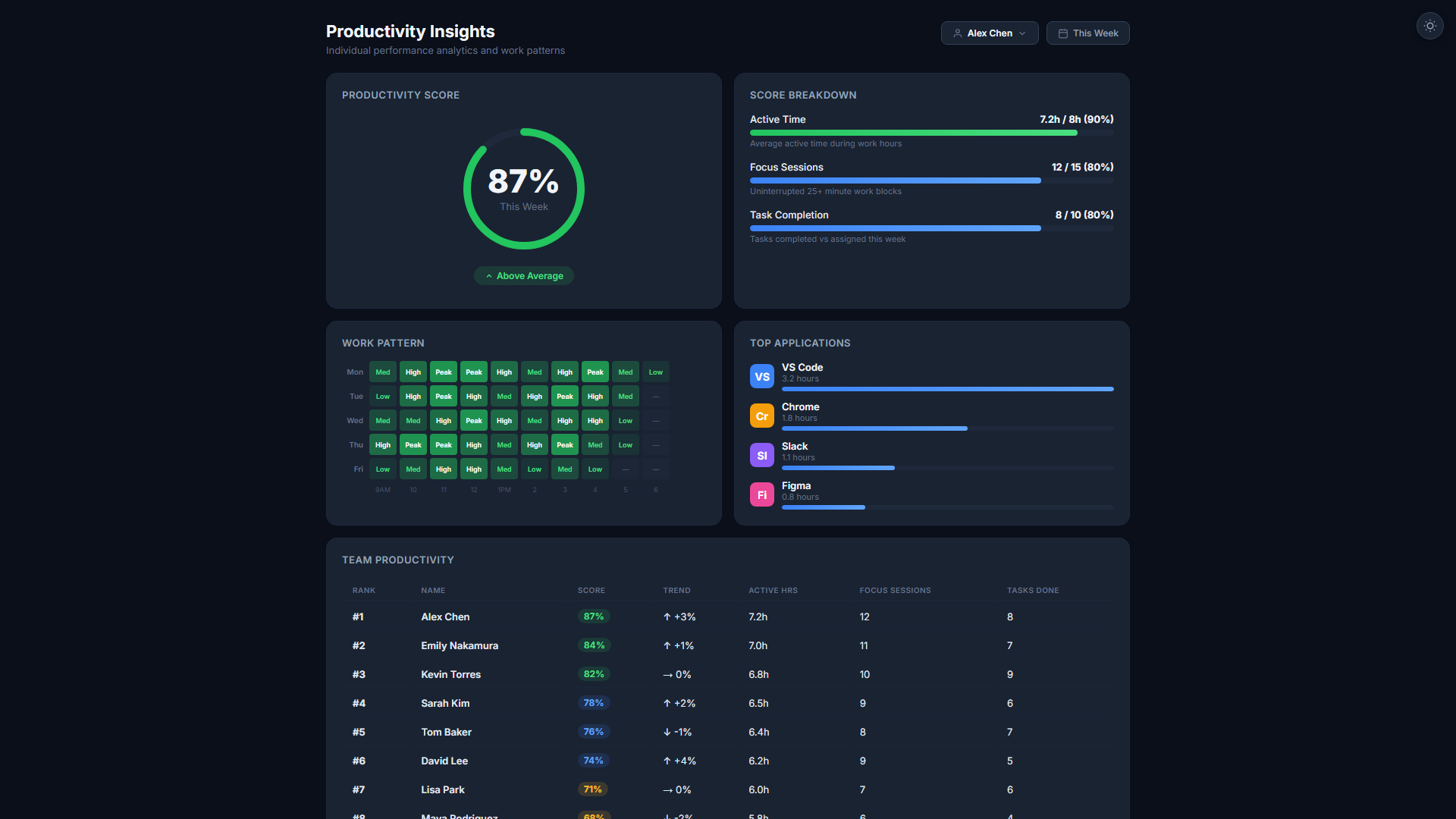
Keyboard & Mouse Engagement Signals
The agent measures keyboard and mouse engagement signals — without recording any content typed or viewed. You see who is actively working, not what they're doing.
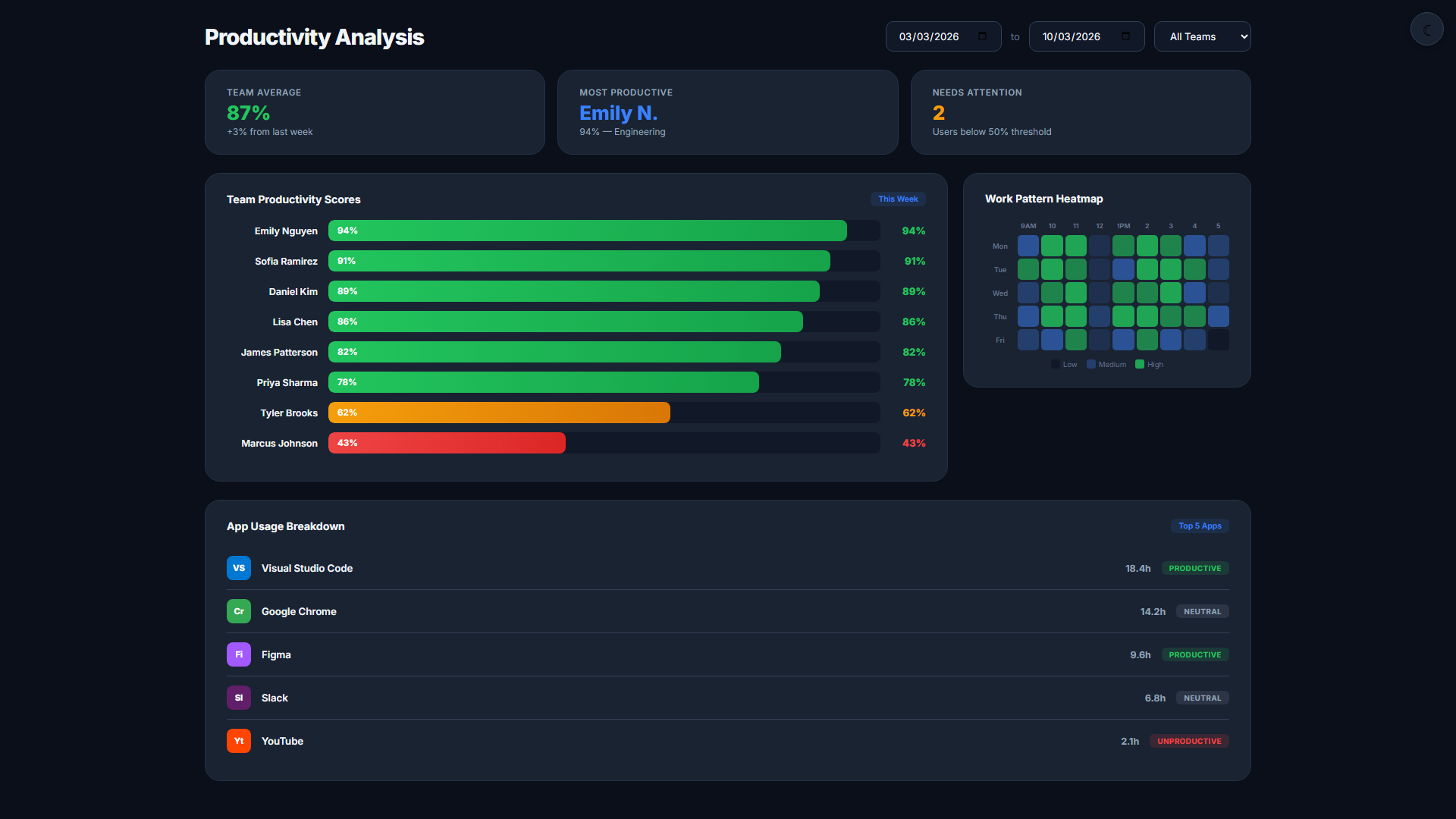
Activity Intensity Score
Each minute is scored 0–100 based on measured interaction. Scores are aggregated hourly and daily to show sustained engagement patterns — not just peak bursts.
Idle Time Detection
Consecutive minutes with no interaction are automatically flagged as idle. Idle time is excluded from productive-hour calculations and reported separately.
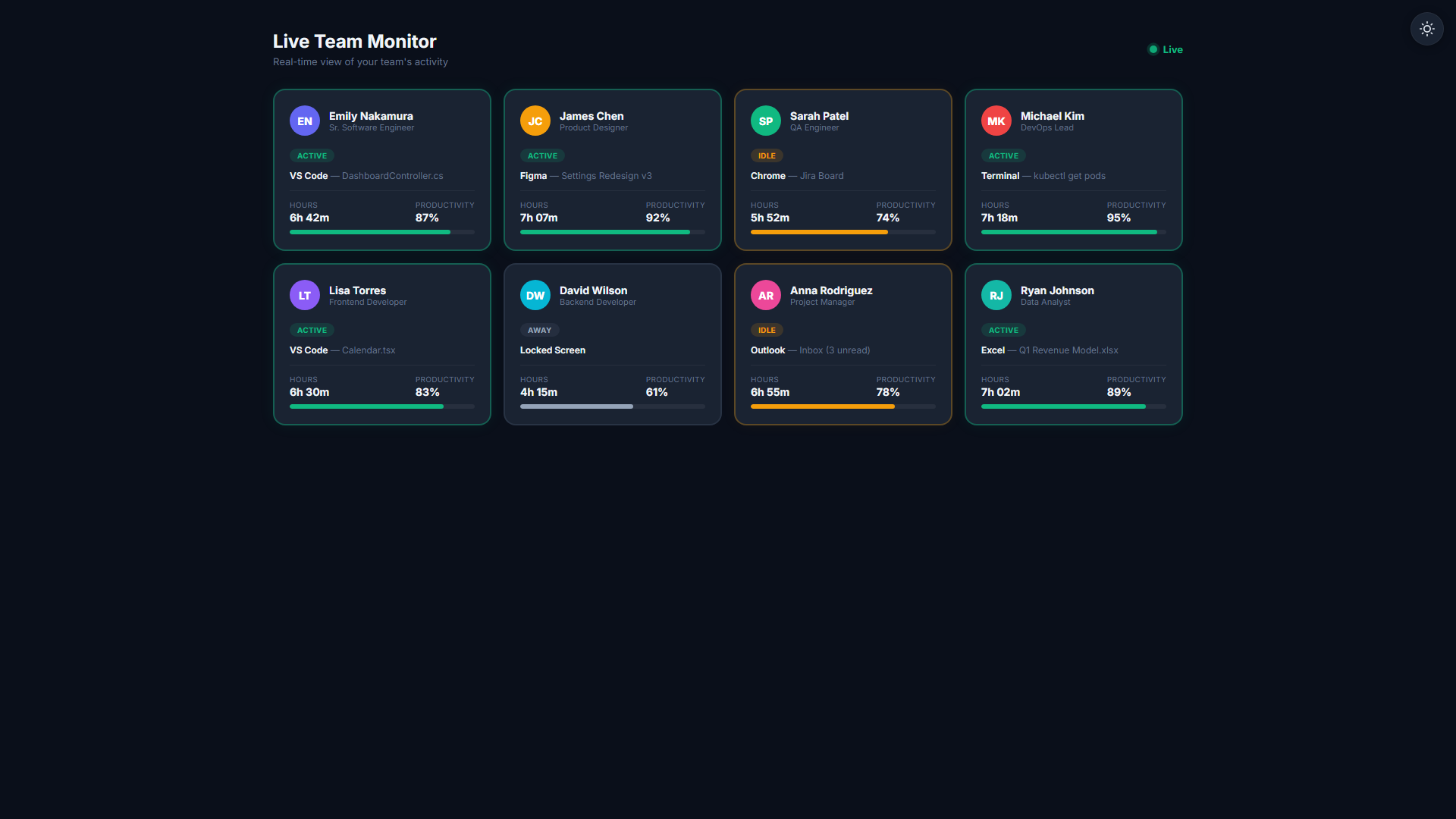
Green / Yellow / Red Coding
The real-time dashboard color-codes each team member by current activity level. Green = active, Yellow = low activity, Red = idle. Identify where your team needs support at a glance.
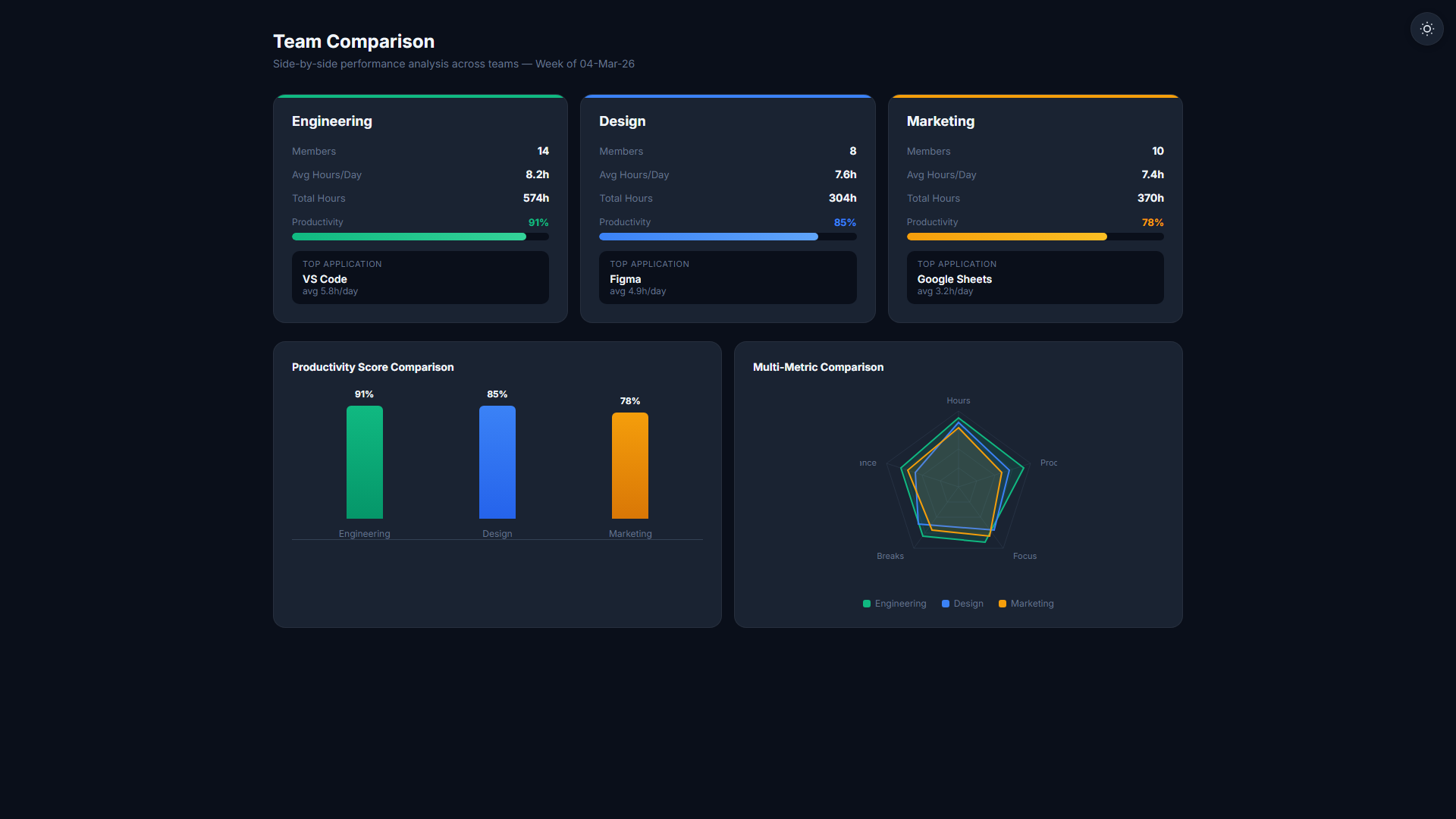
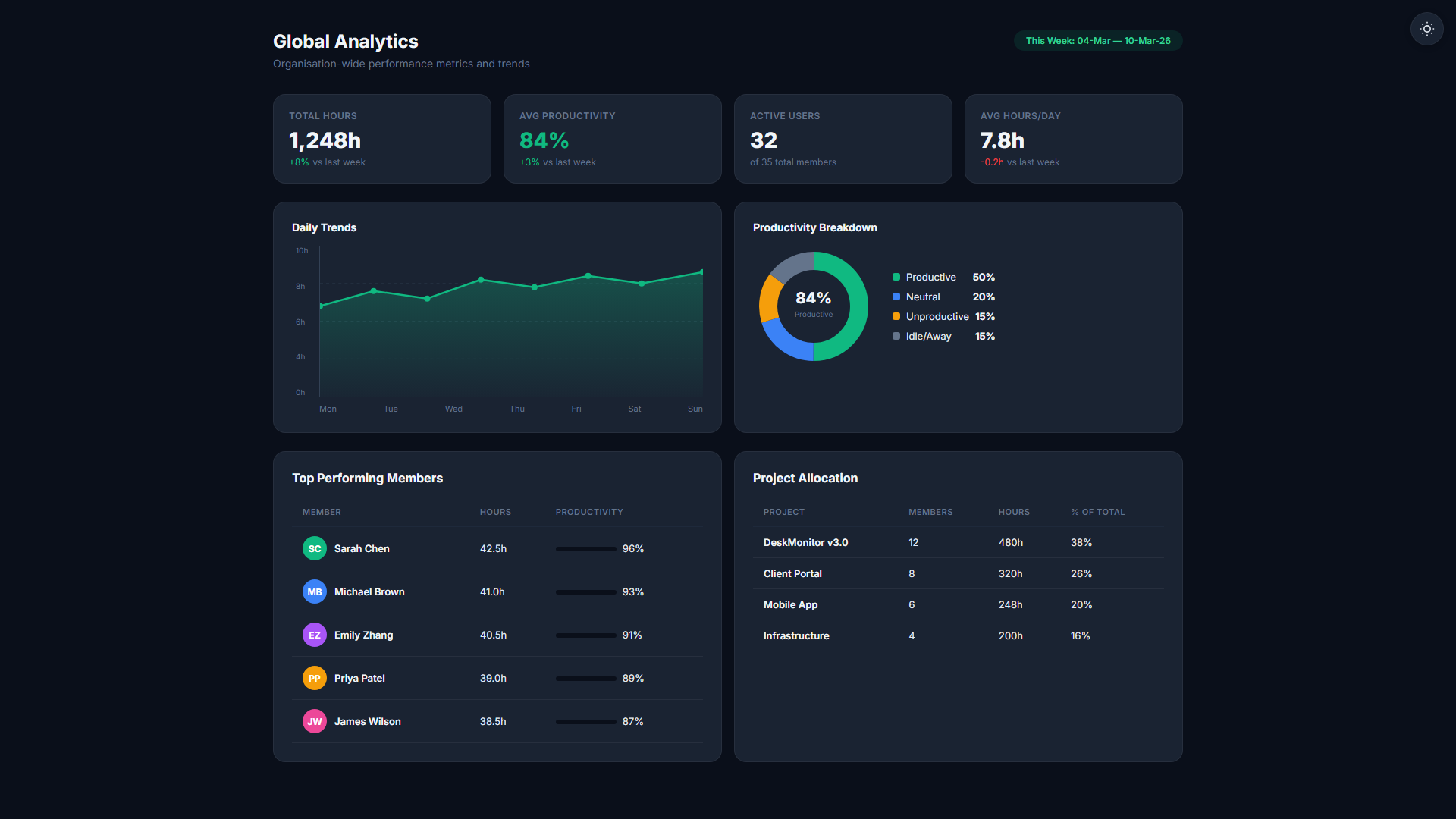
Trend Analysis
View activity trends day-over-day, week-over-week, and month-over-month. Identify team-wide dips (Monday mornings, Friday afternoons) and individual performance patterns.
Privacy-Respecting
Activity levels measure interaction signals — not keylogging. No text content is captured. Employees see their own scores in their personal dashboard. Full transparency both ways.
Real-time activity scoring for your whole team
- Per-minute engagement scoring — keyboard and mouse signals only, no content captured
- Green/Yellow/Red color-coded team dashboard
- Idle time detection and separate reporting
- Day-over-day and week-over-week trend analysis
- Privacy-respecting — no text content captured
Automatic. Continuous. Objective.
Agent Captures Signals
The desktop agent silently captures keyboard and mouse interaction counts every 60 seconds during shift hours. No content is recorded.
Score is Calculated
Each minute receives an activity score. Scores are rolled up into hourly and daily totals and synced to the dashboard in near real-time.
Manager Reviews Dashboard
Color-coded tiles show every team member's current activity. Drill into any user to see their minute-by-minute timeline and identify patterns.
Related Features
Start your 14-day free trial
No credit card required. Activity Level scoring included from the Starter plan.
Start Free Trial