Smart Blur —
Privacy-First Screenshots
Automatic privacy protection blurs background windows and sensitive content before screenshots leave the device. GDPR and CCPA compliant by design — protecting your employees and your business simultaneously.
Start Free TrialPrivacy that protects everyone
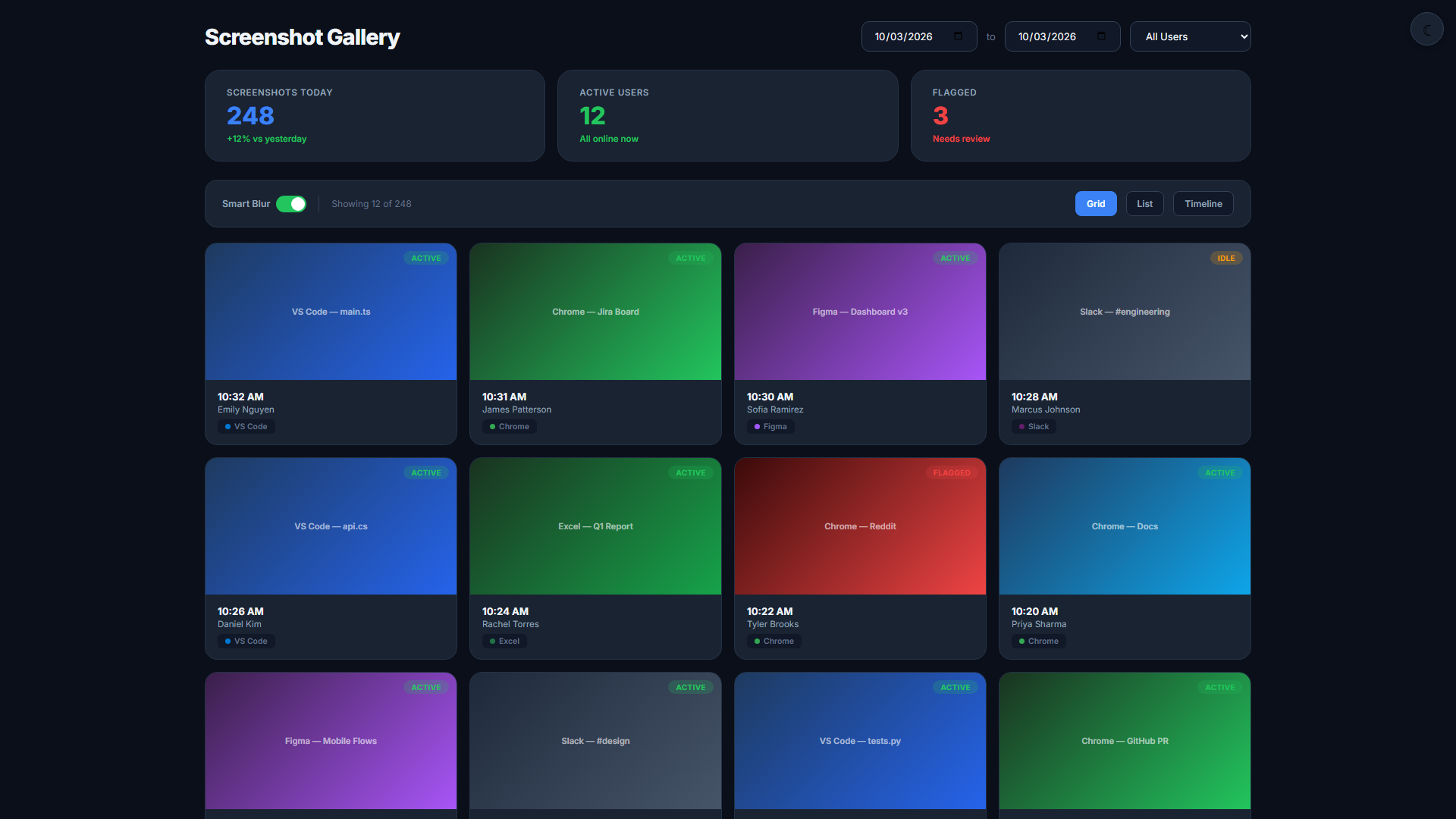
Automatic Background Blur
DeskAgent applies Gaussian blur to all background windows — keeping only the active work window visible. Personal content in inactive apps never reaches the dashboard.
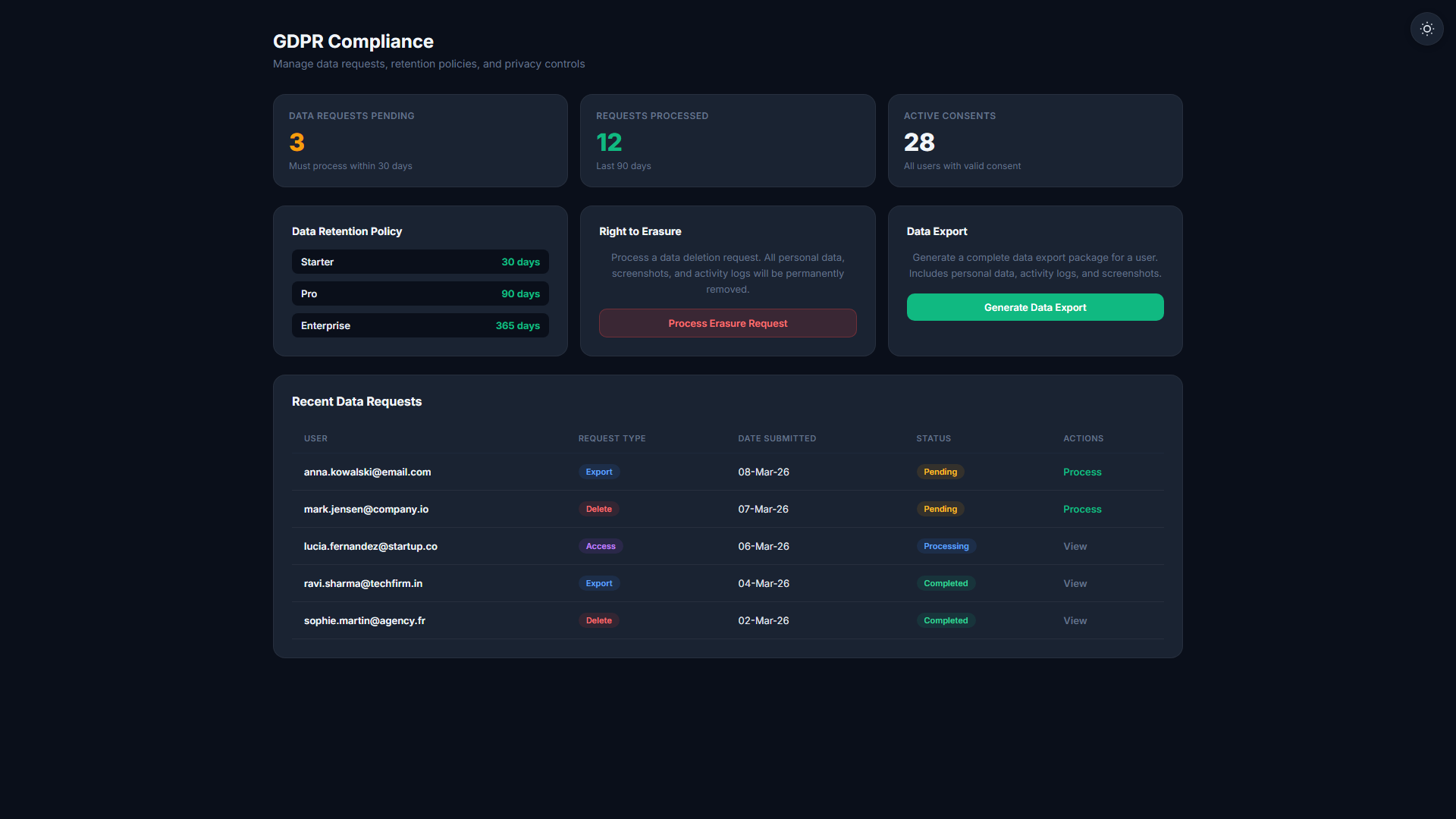
GDPR & CCPA Ready
Smart Blur is designed to help you meet Article 25 "data protection by design" requirements under GDPR, and equivalent CCPA standards for California-based employees.
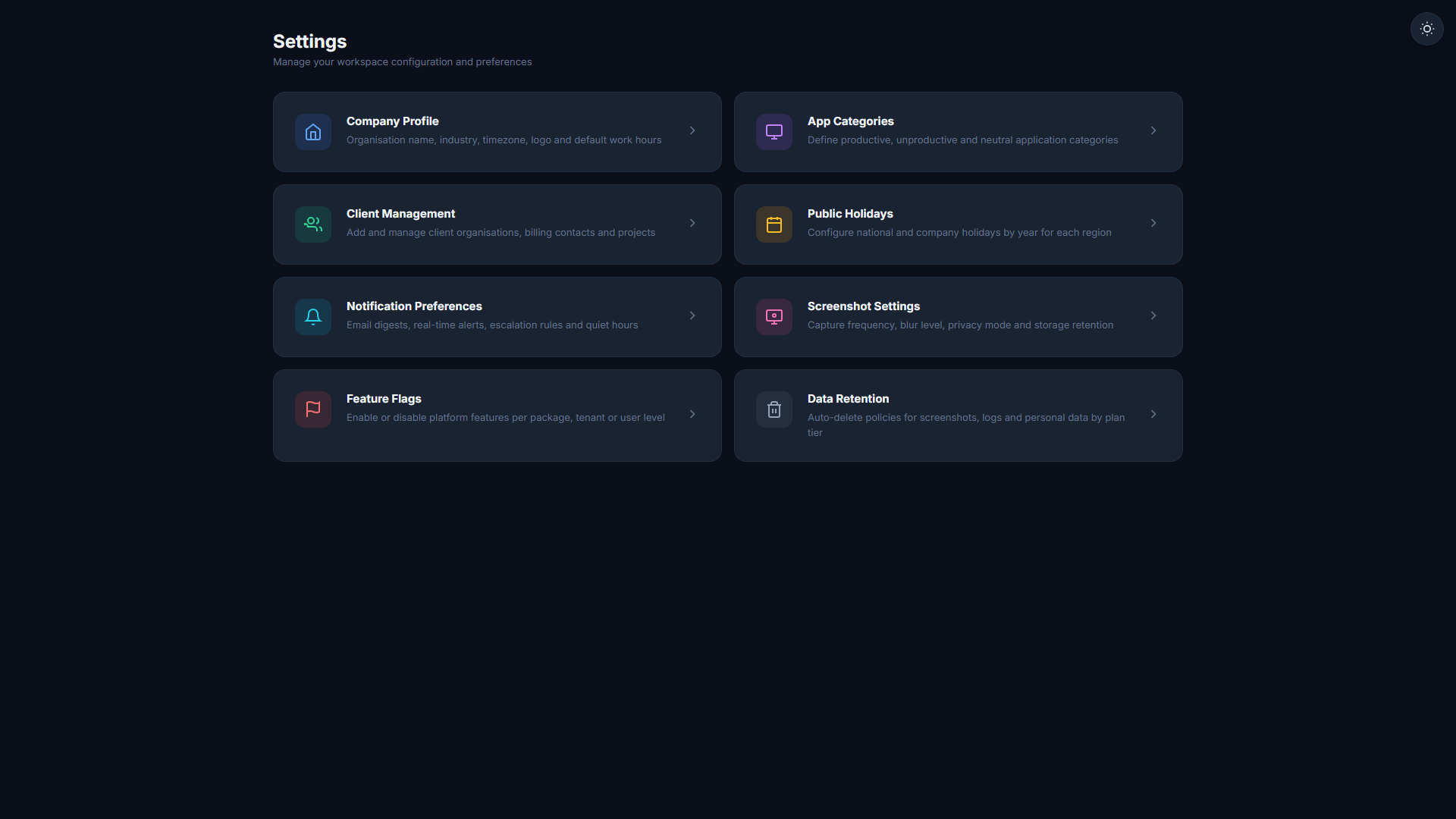
Employee Transparency Notification
Employees receive an in-app notification confirming Smart Blur is active on their account. Trust is built through transparency, not policy documents.
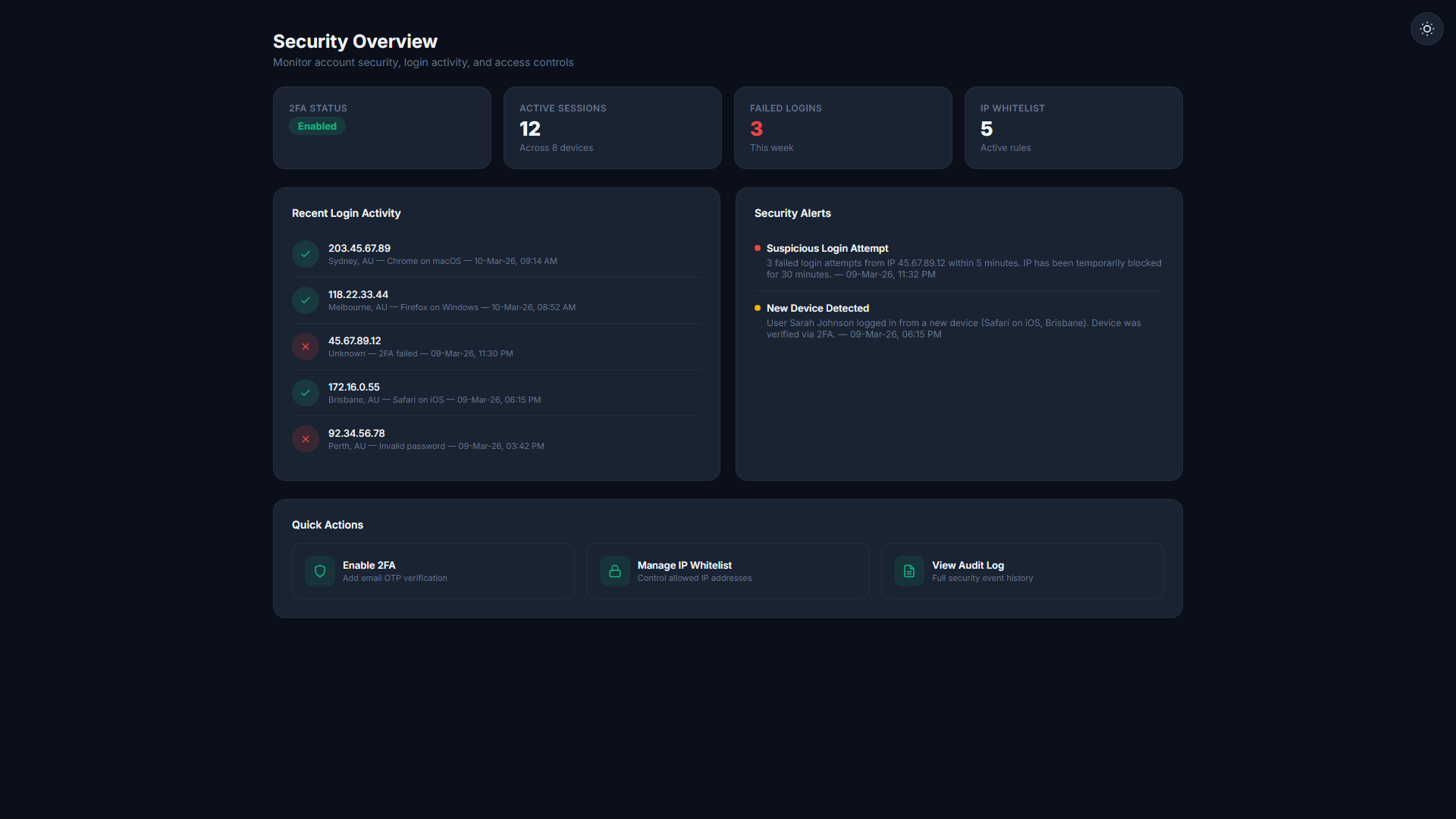
Configurable Blur Rules
HR teams can define custom blur rules per department or role. Financial teams can have stricter rules than general staff. Flexibility meets compliance.
Privacy protection that works silently
- Background windows blurred before the screenshot leaves the device
- Blur rules configurable per department or role
- Employees see a trust notification confirming blur is active
- Full GDPR and CCPA compliance built in
Three steps to privacy-safe screenshots
Screenshot Captured Locally
The agent takes a screenshot on the employee's device — before any network transfer occurs.
Background Windows Blurred
The agent applies Gaussian blur to all inactive windows, keeping only the active work application visible in the captured image.
Blurred Image Uploaded
Only the blurred image leaves the device. The original never reaches our servers. Privacy preserved at the source.
Related Features
Start your 14-day free trial
No credit card required. Smart Blur available on Starter and above.
Start Free Trial