Privacy Mode —
Employees control their own tracking
Your team's trust is your biggest asset. Privacy Mode gives employees the power to pause monitoring during personal breaks — and gives managers full transparency into when and why.
Start Free TrialTrust built on transparency
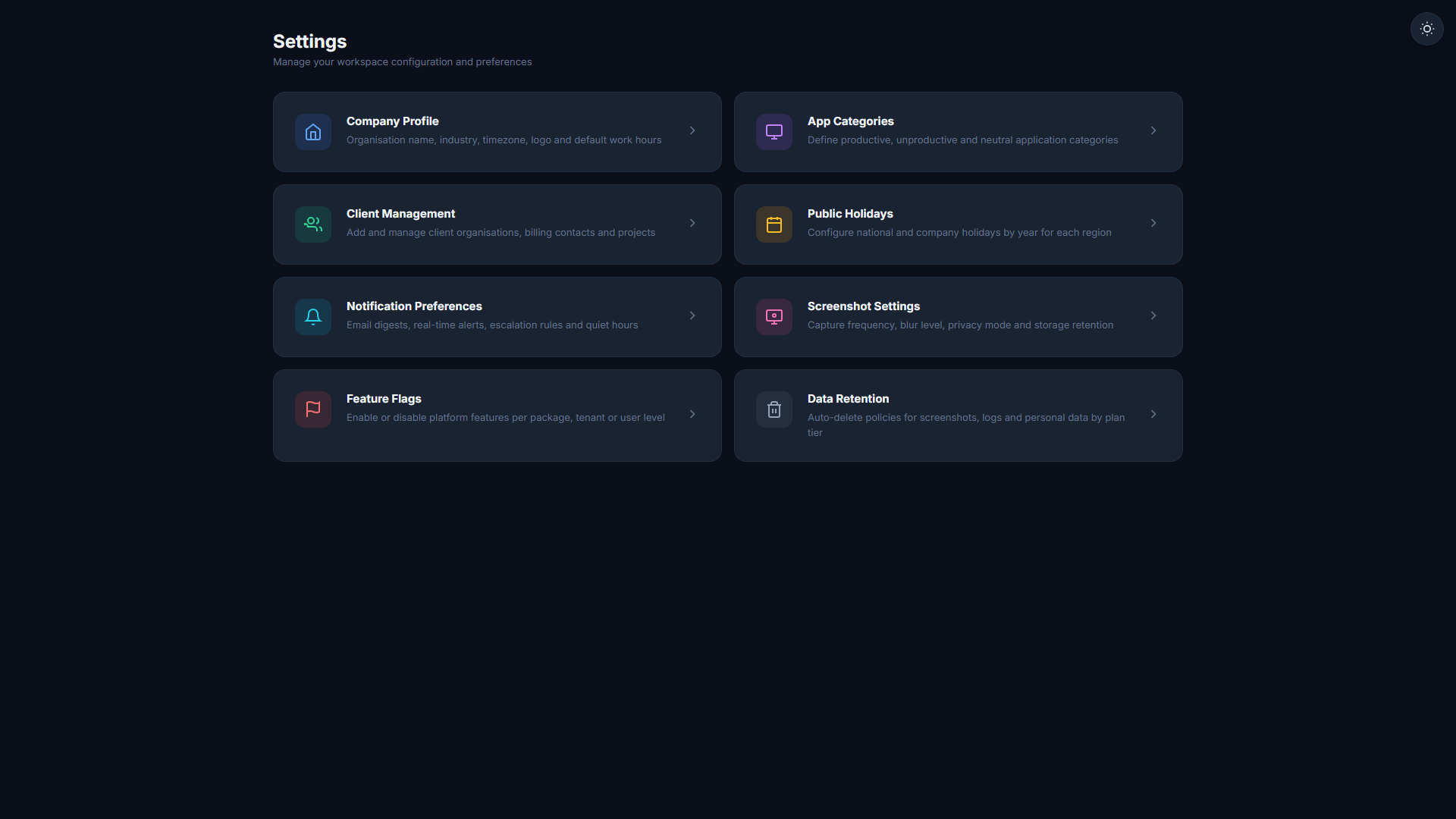
Employee-Controlled Pause
Employees click one button to pause tracking. Screenshots stop, activity logging stops, and their manager sees a clear "Privacy Mode Active" status.
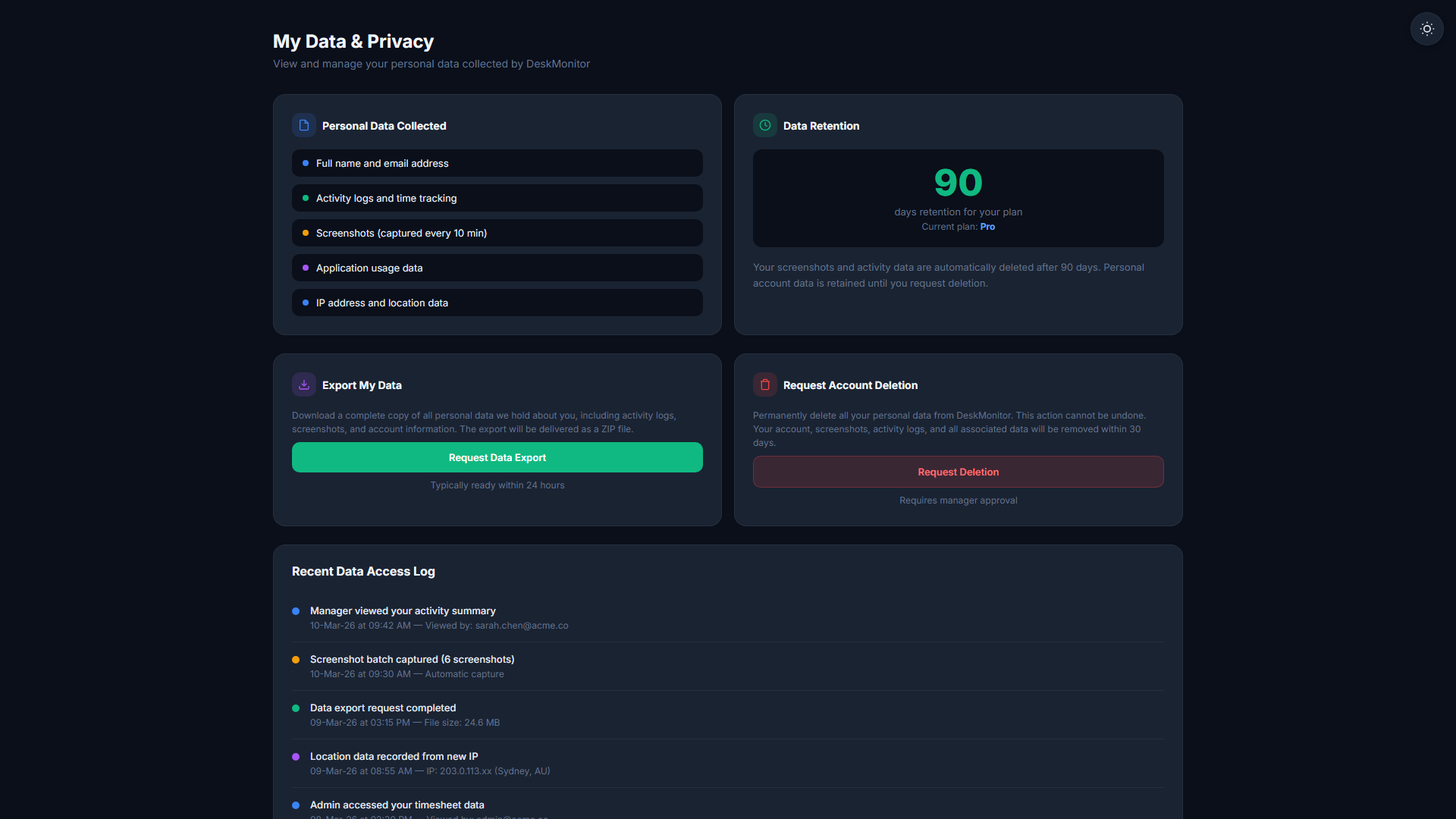
Mobile Kill Switch
The TheDeskMonitor mobile app includes a one-tap privacy kill switch. Perfect for field workers who need to handle personal calls or sensitive conversations.
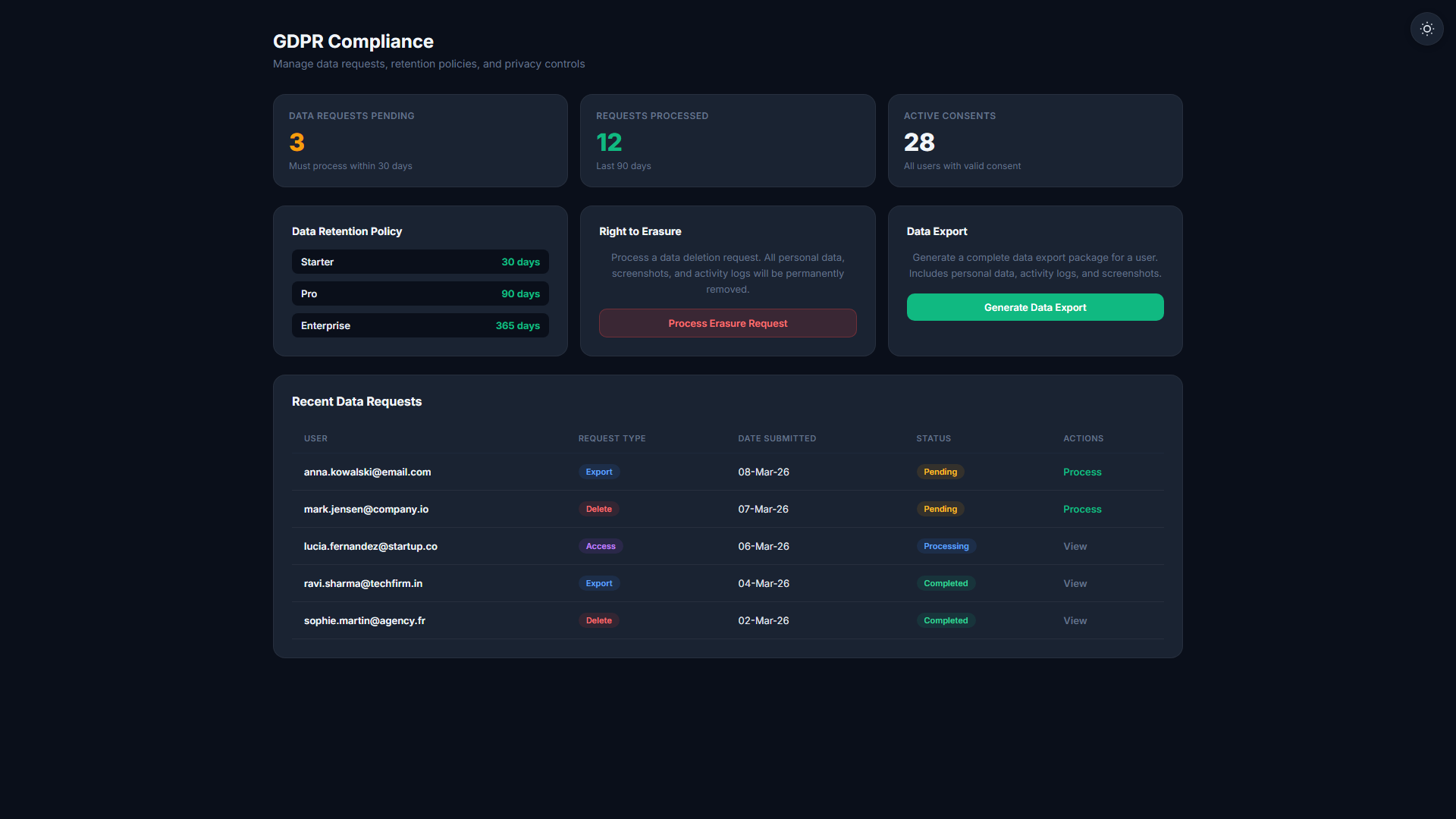
Audit Trail of Pause Events
Every privacy mode activation is logged with a timestamp and duration. HR can review patterns and identify if the feature is being misused.
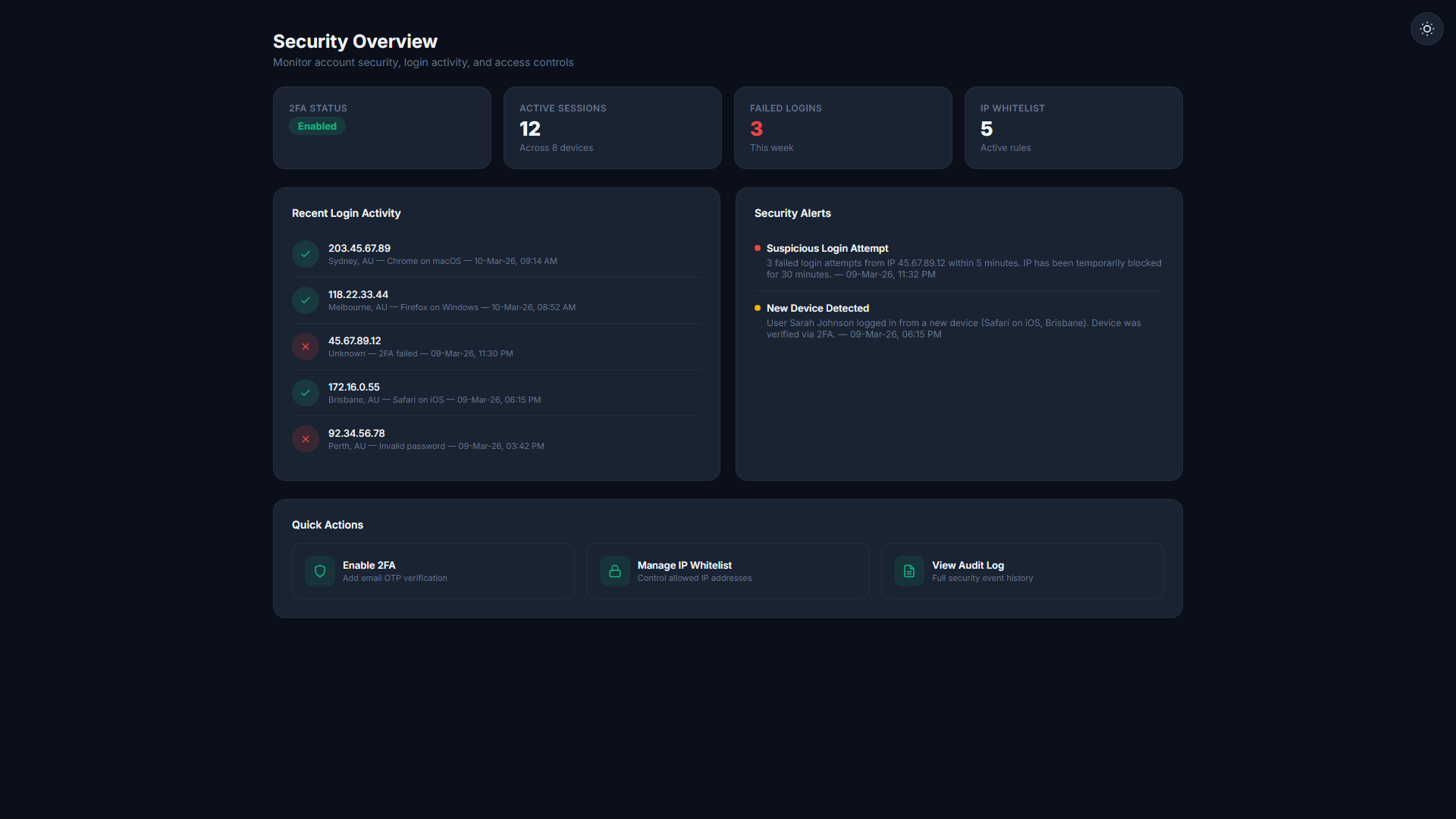
HR Transparency Dashboard
HR directors get a dedicated view showing average daily pause time per employee and team, helping identify overuse without calling anyone out individually.
Privacy controls at every level
- One-click pause from system tray or mobile app
- Manager dashboard shows clear privacy mode status
- Full audit trail of all pause events for HR review
- Configurable daily pause limits per team or role
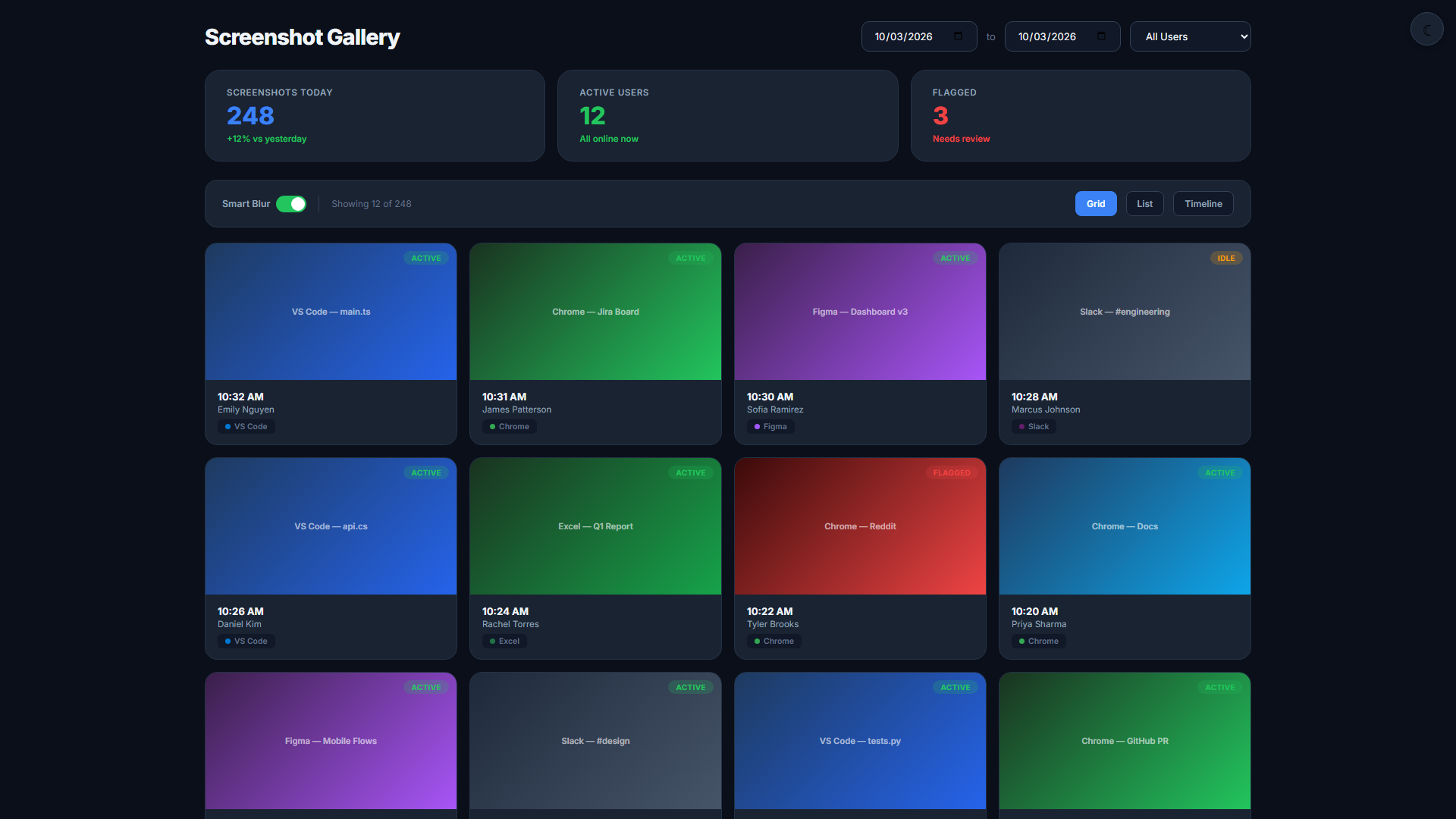
Simple for employees. Visible to managers.
Employee Pauses Tracking
From the system tray or mobile app, the employee activates Privacy Mode. All capture and logging halts immediately.
Manager Sees Pause Status
The dashboard shows a shield icon next to the employee's name — no activity data displayed during this window.
Resume with One Click
When ready, the employee clicks resume. Normal monitoring resumes and the pause event is recorded for HR review.
Related Features
Start your 14-day free trial
No credit card required. Privacy Mode included on every plan.
Start Free Trial