Client Guest Access —
Transparent client portals
Give clients read-only access to the reports and timesheets that matter. No more weekly email exports — just a clean portal that shows exactly where every billable hour went.
Start Free TrialClient visibility without compromising control
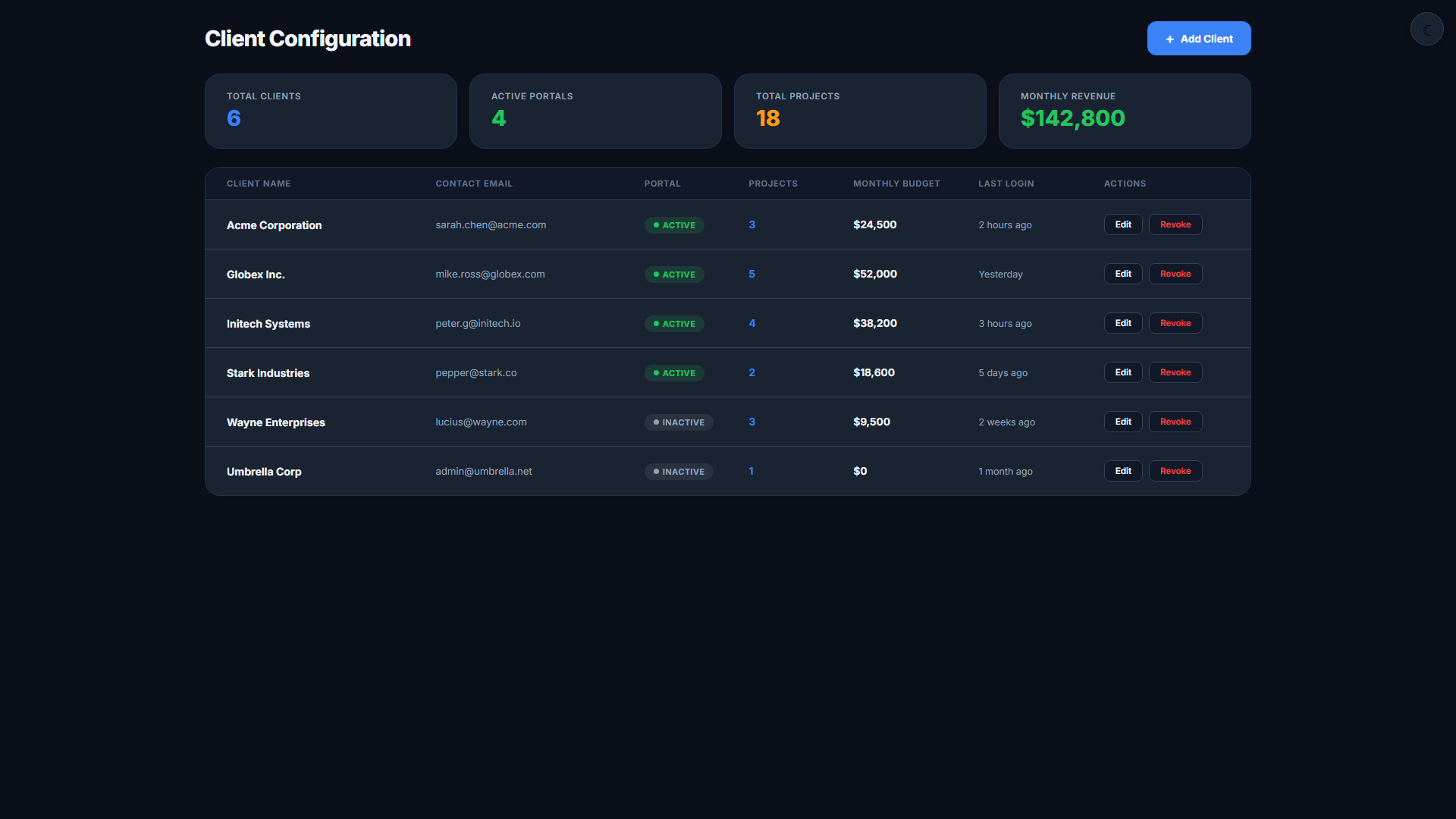
Read-Only Portal
Clients see only what you share — timesheets, project progress, and activity summaries. They cannot edit data, invite users, or access settings.
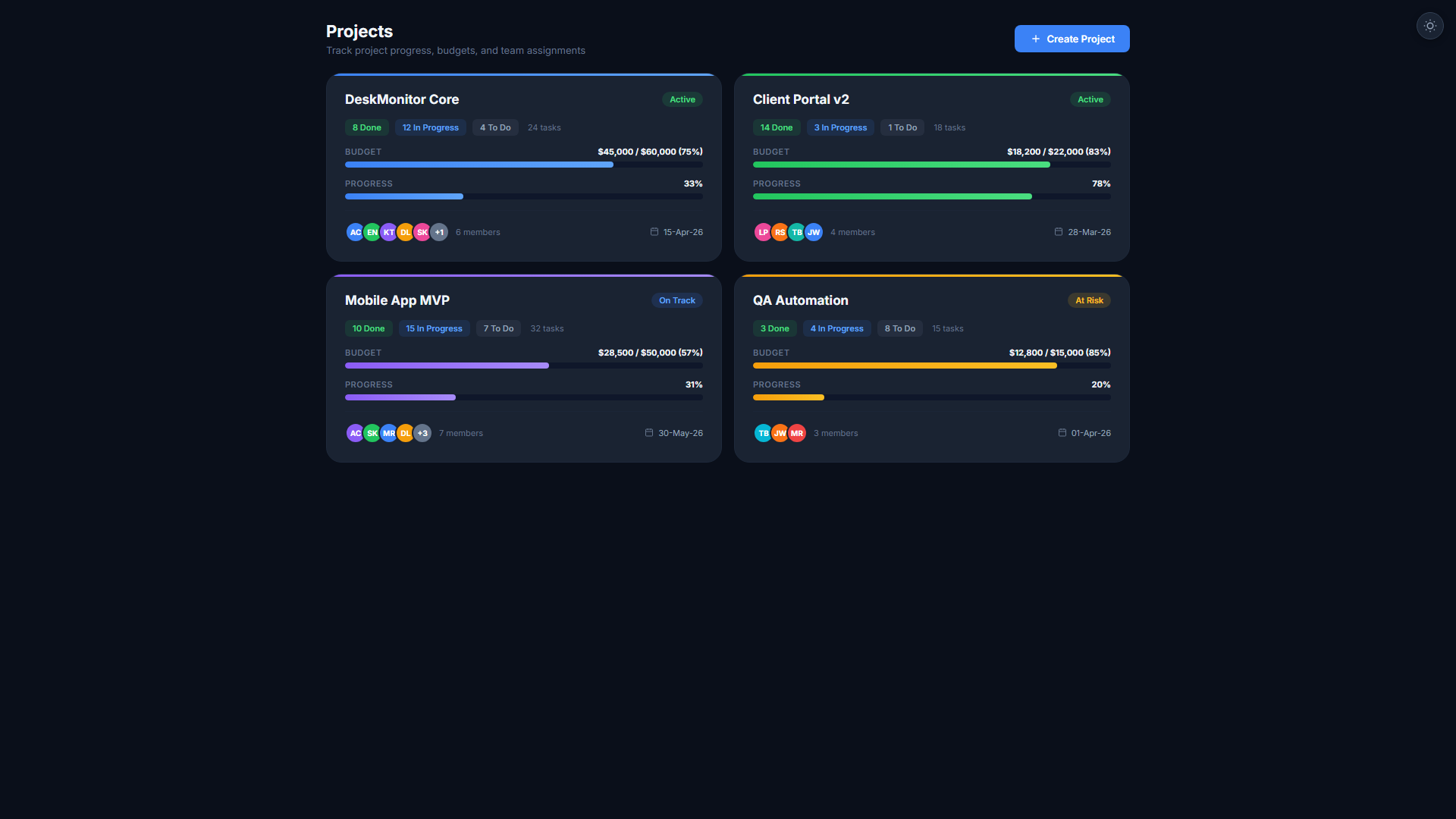
Project-Level Scoping
Grant access per project. A client managing Project A sees only Project A data — not your other clients' information or internal team metrics.
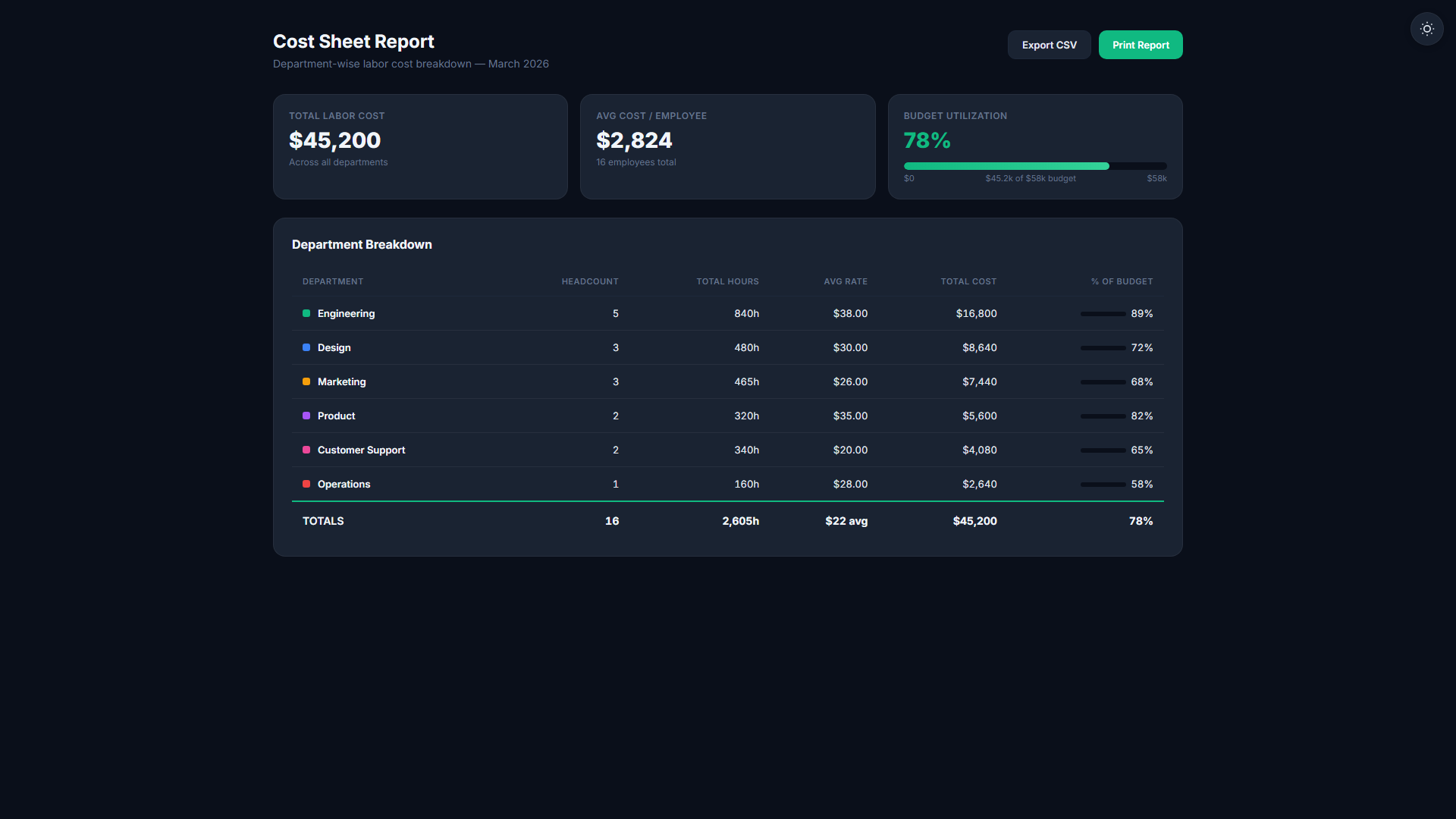
Shared Timesheet Views
Share real-time timesheet data filtered by project and date range. Clients can verify hours before invoice day — eliminating disputes at billing time.
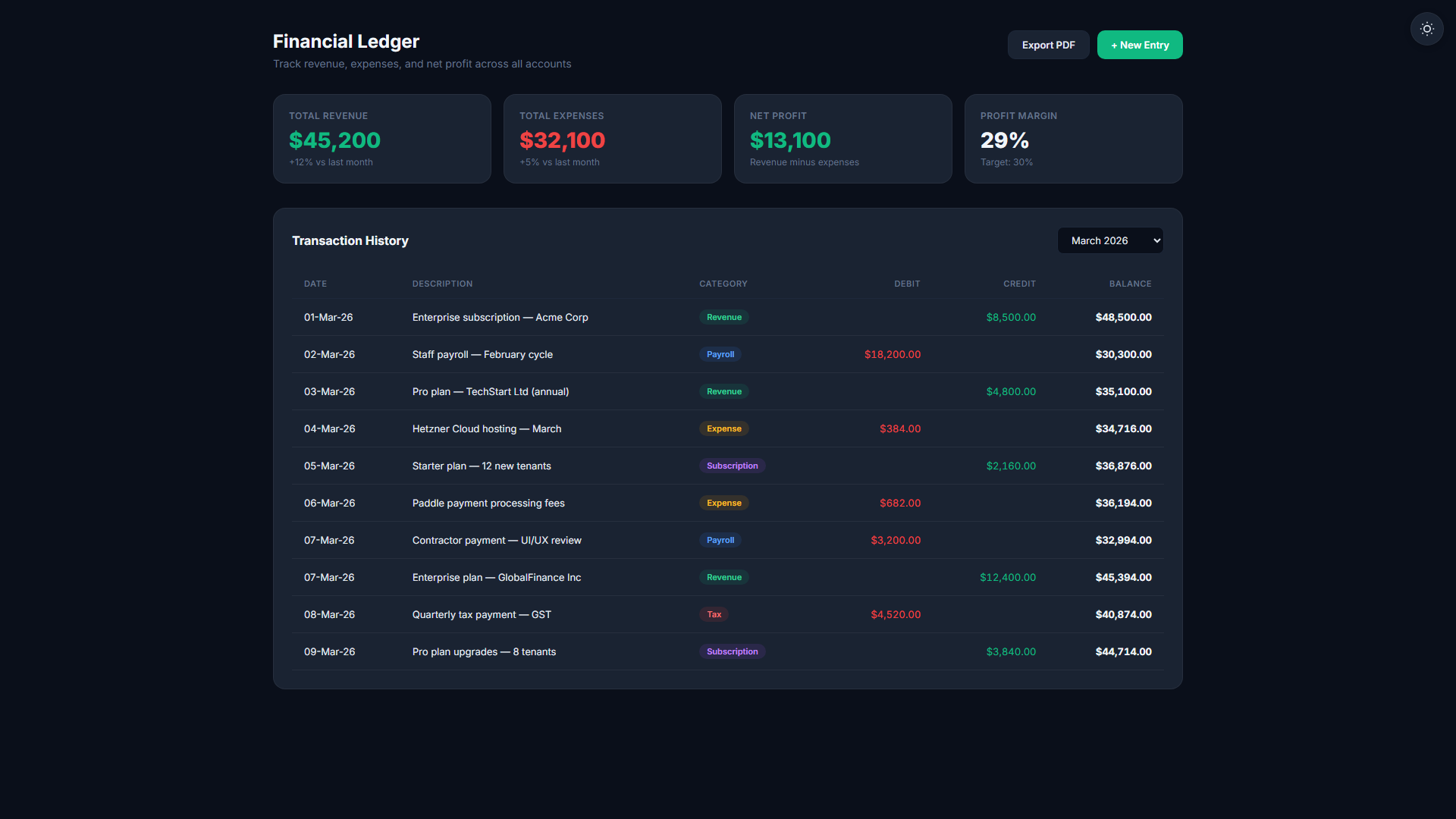
Progress Dashboards
Clients see task completion rates, time vs. estimate variance, and budget burn — giving them confidence in your delivery without daily status calls.
Secure Invite Link
Send a secure invite link directly to your client's email. They register with a guest account tied only to your tenant — no TheDeskMonitor subscription required on their end.
White-Label Option
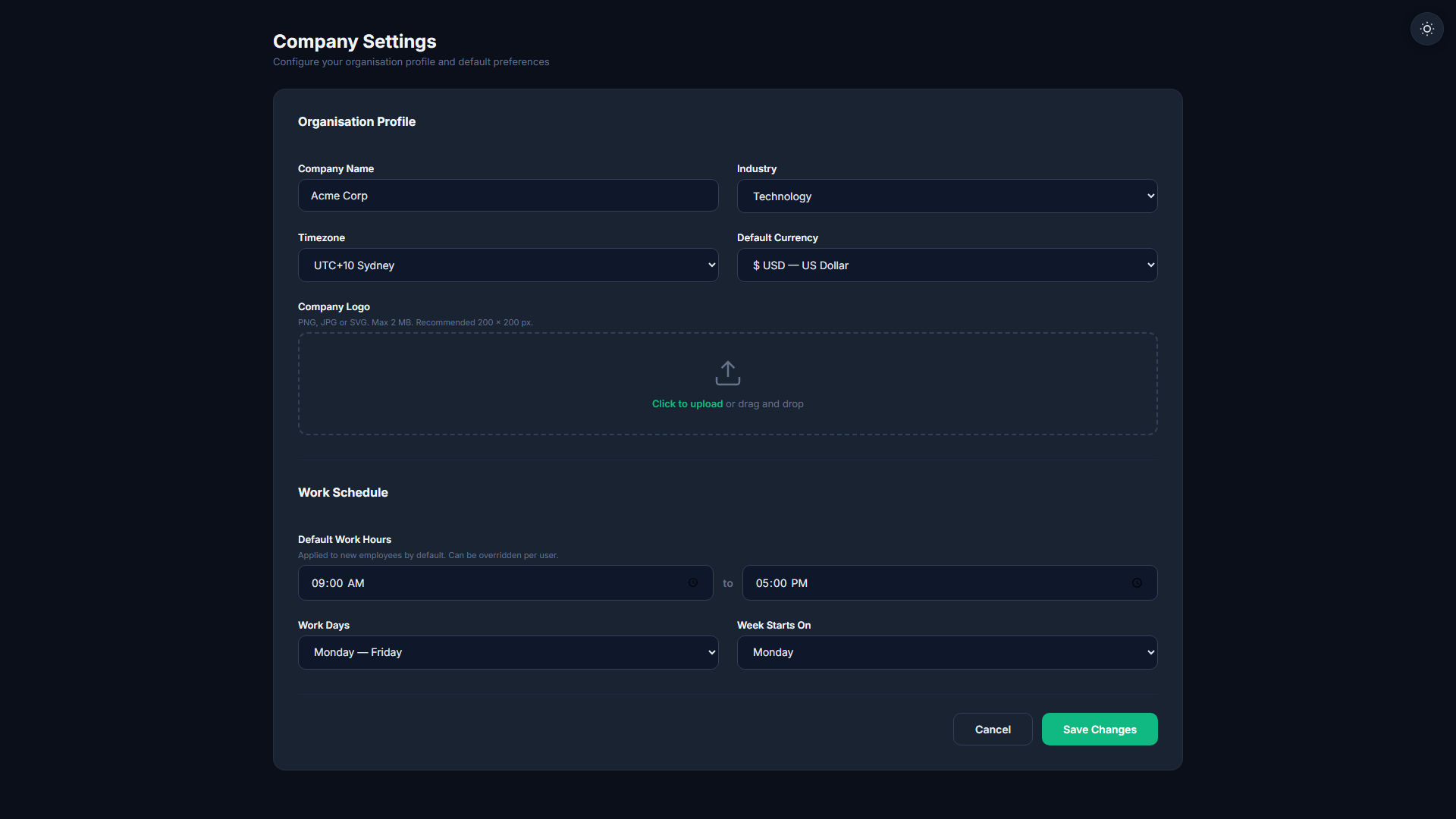
Enterprise customers can brand the portal with their own logo and domain. Clients see your brand, not TheDeskMonitor's — perfect for agencies presenting to end clients.
Client portals with granular access control
- Read-only portal scoped per project
- Shared timesheet and progress views
- Secure invite link with guest account creation
- Budget and task completion dashboards for clients
- White-label option for enterprise customers
Share in three steps
Set Permission Scope
Choose which projects, date ranges, and data types the client can view. Timesheets, tasks, budgets — each is toggled separately.
Send Guest Invite
Enter the client's email and send the invite. They receive a secure link and create a read-only guest account in under 60 seconds.
Client Reviews Live Data
The client logs into their portal and sees real-time project data. No more manual exports or delayed reports — data is always current.
Related Features
Start your 14-day free trial
No credit card required. Client Guest Access available on Professional plan and above.
Start Free Trial