Every tool your distributed team needs —
verified time, real cost, AI-powered answers
Time tracking, screenshots, productivity scoring, attendance, payroll, security, and AI workforce tools — built for the way distributed teams actually work. (57 features across 6 categories) — and 24 MCP tools so your AI can answer any question about what your team delivered and what it cost.
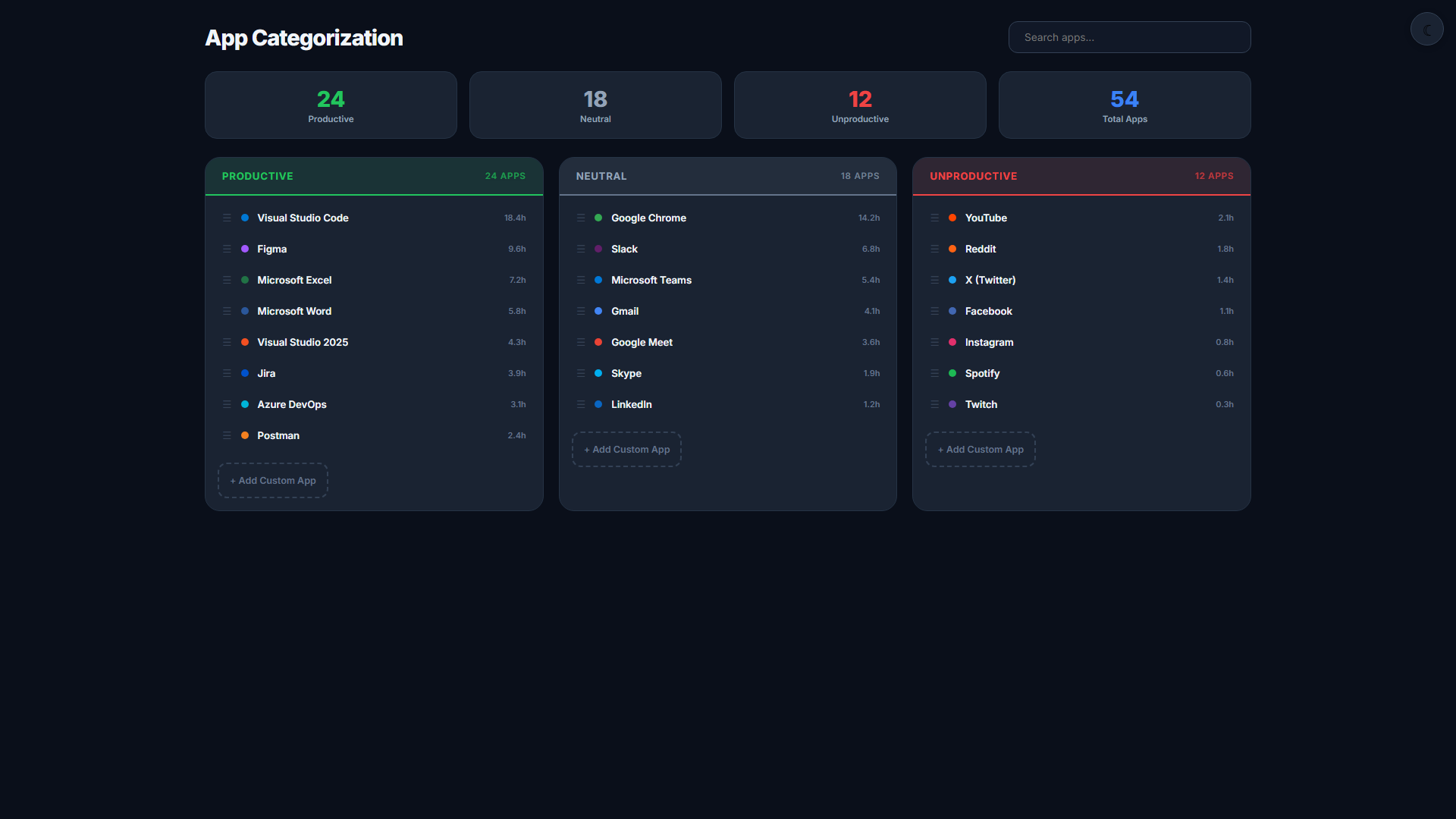
Start Free Trial View PricingVisibility & Monitoring
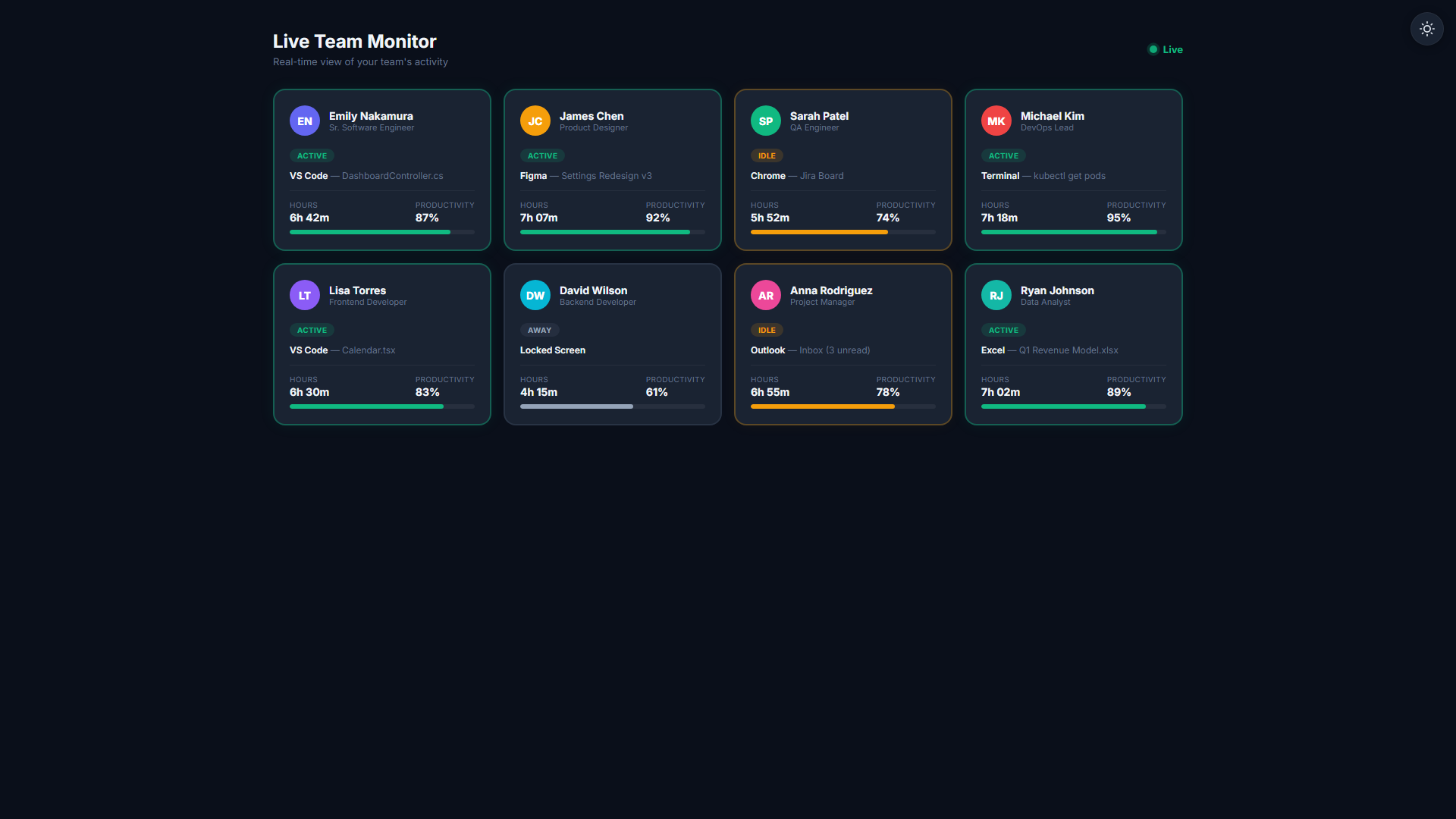
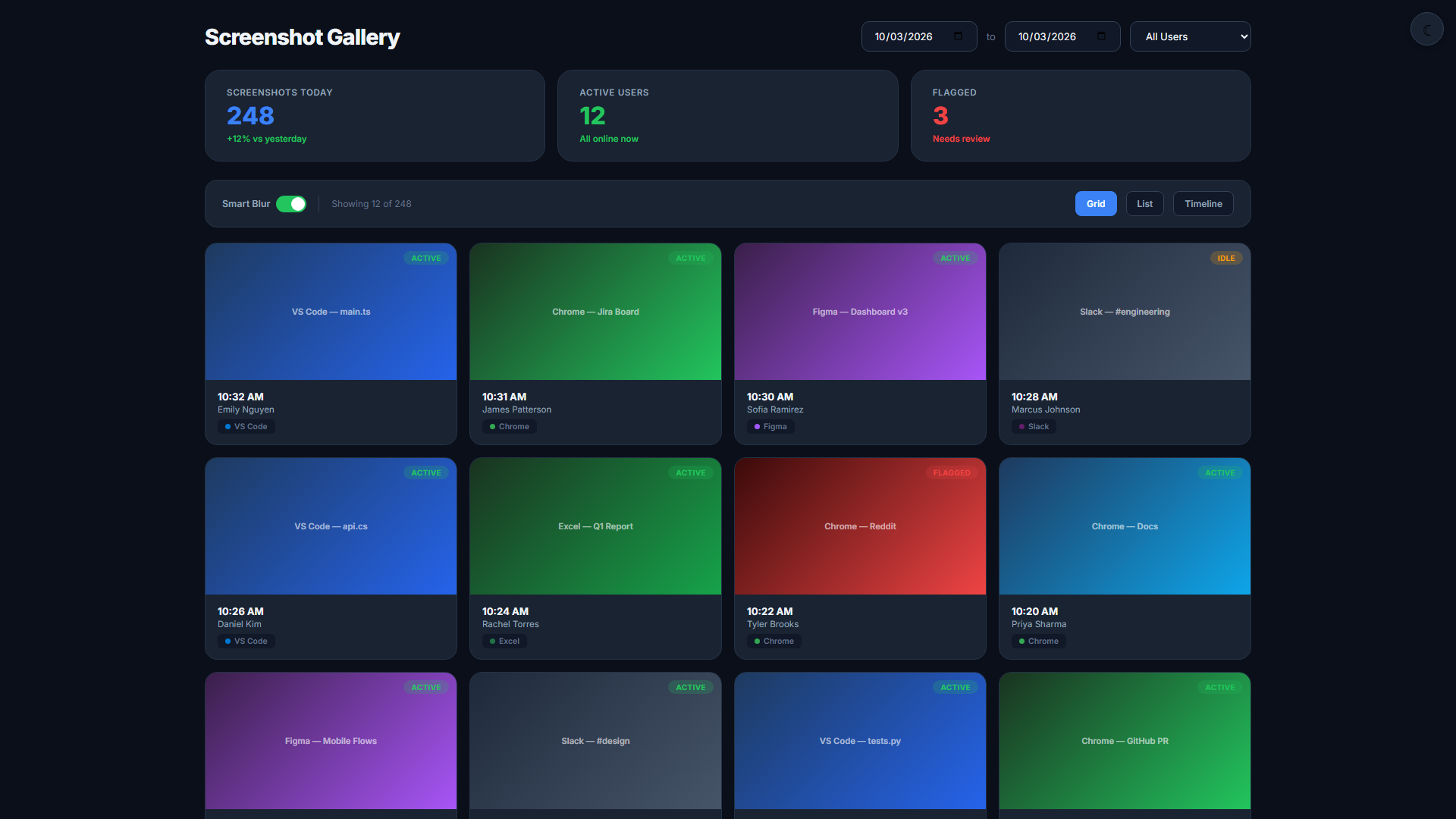
See everything without micromanaging. Real-time dashboards, screenshots, and privacy controls.
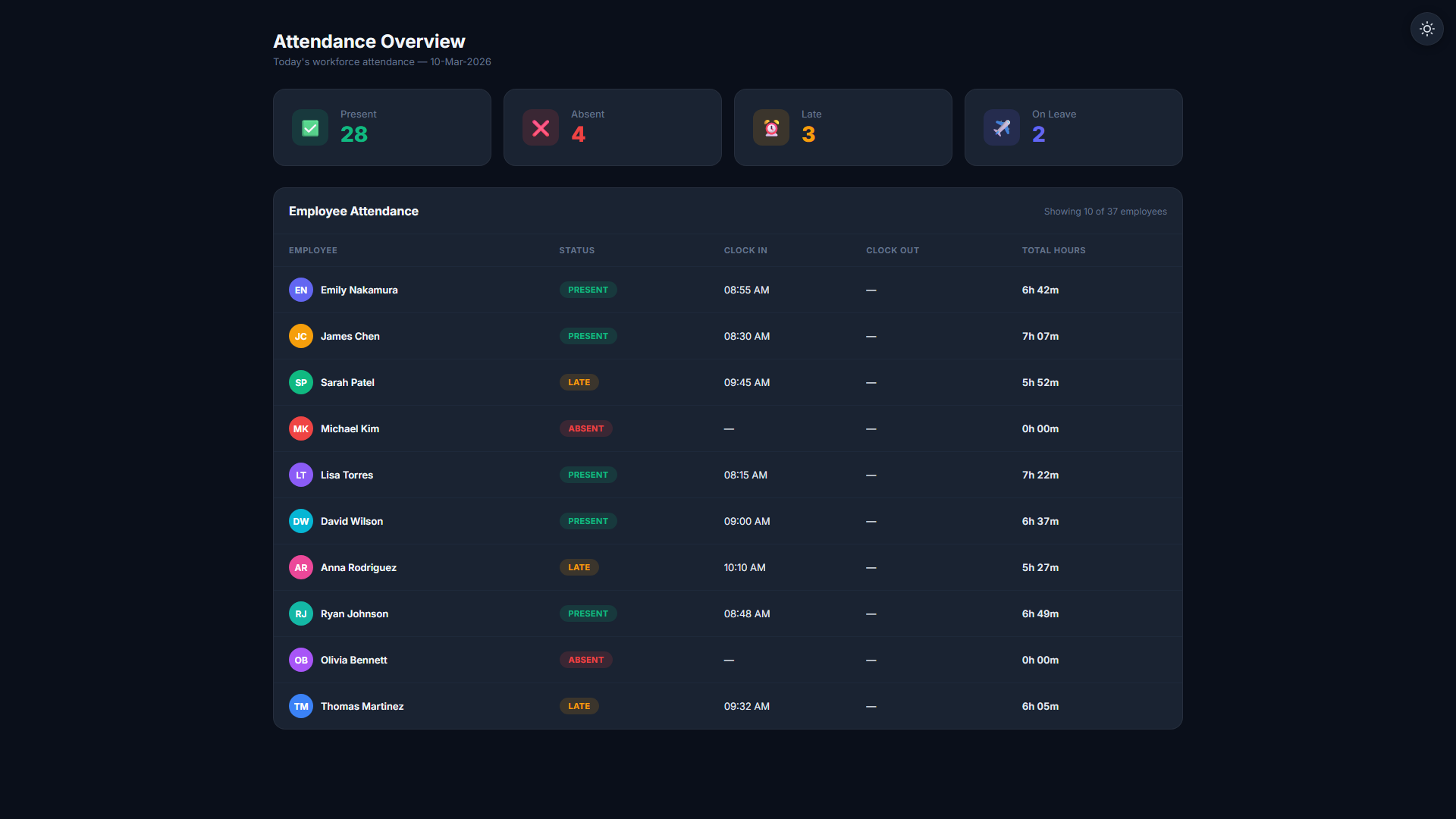
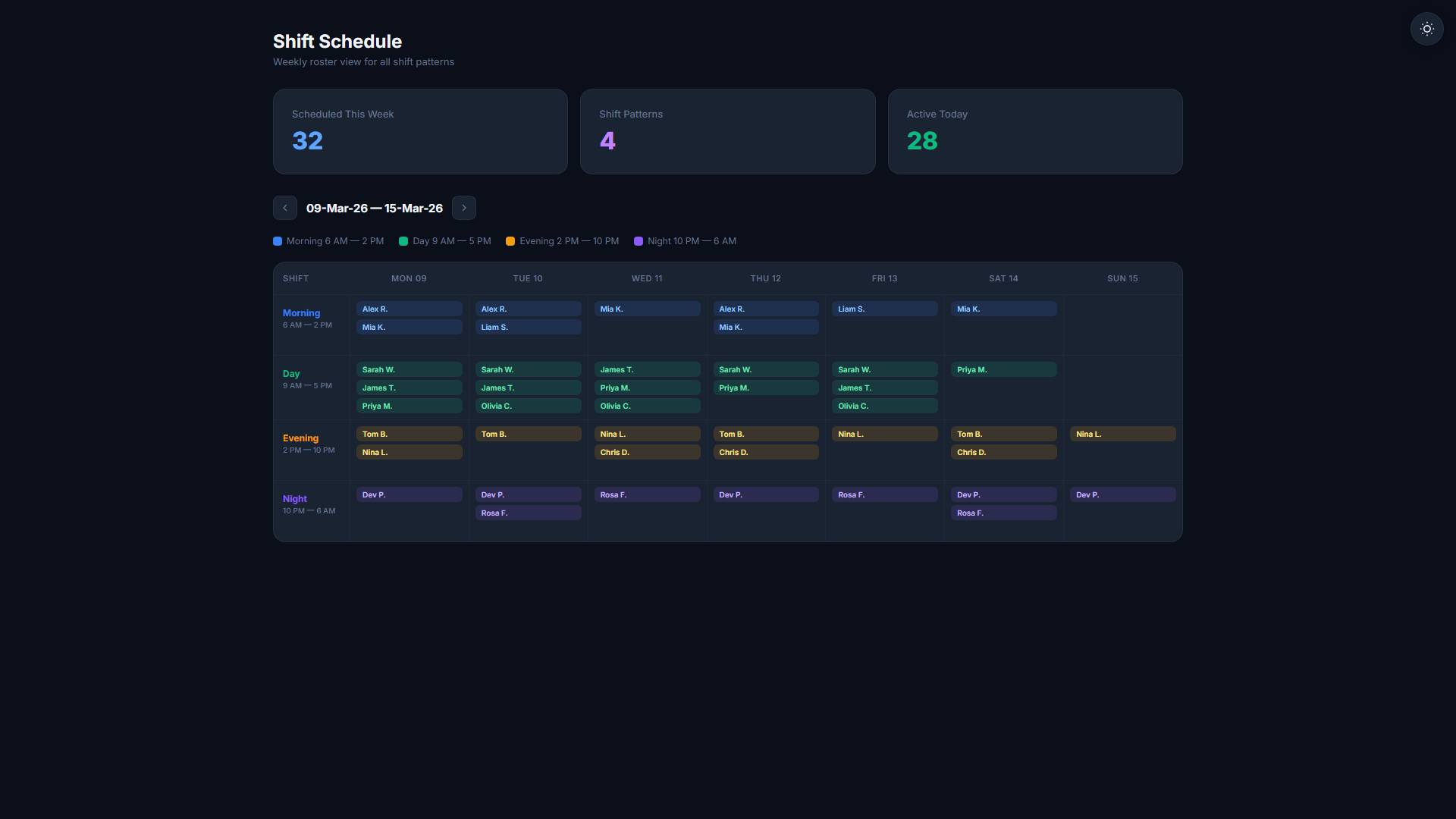
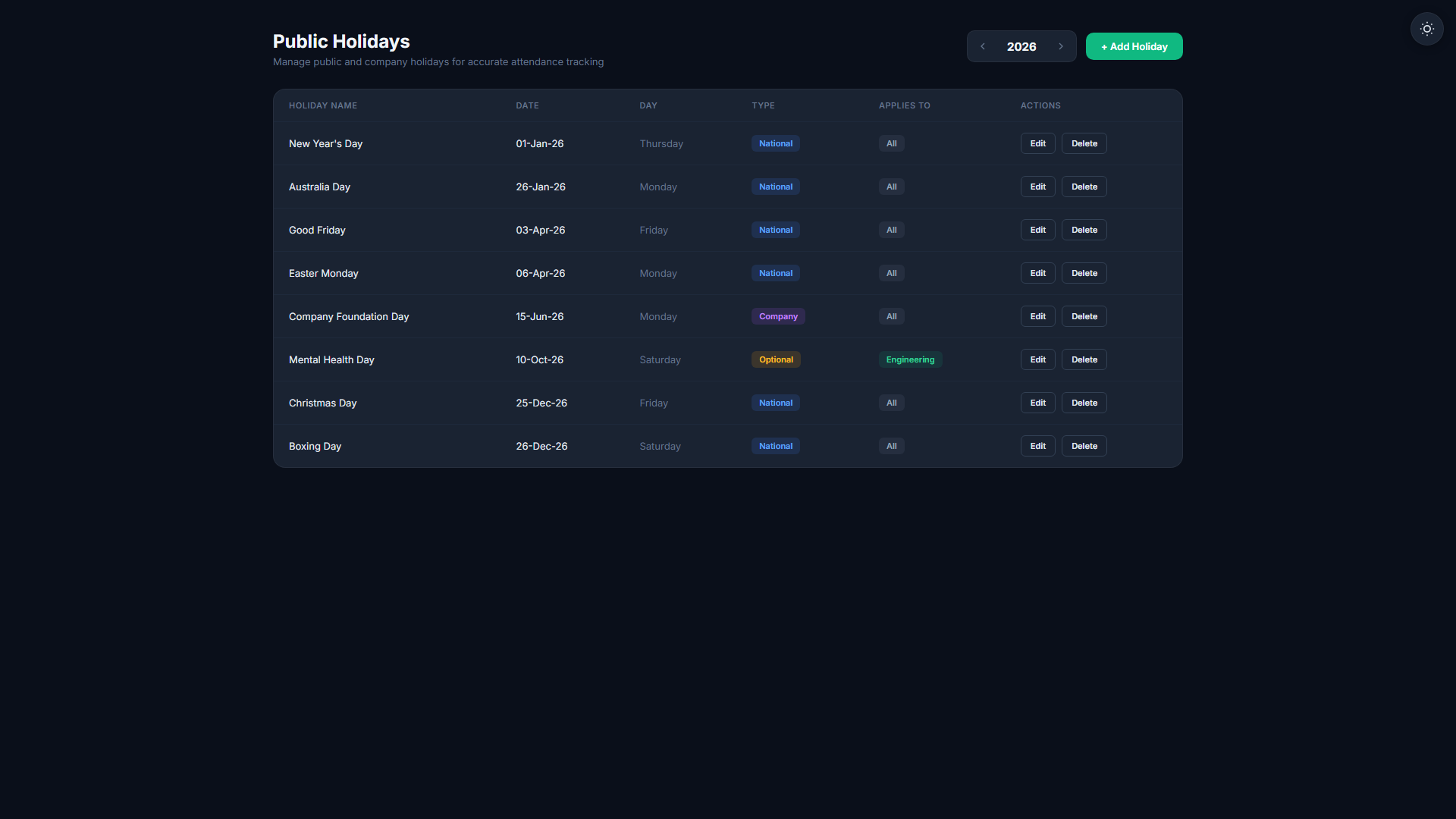
Time & Attendance
Automatic time capture, shift scheduling, and holiday-aware attendance in one place.
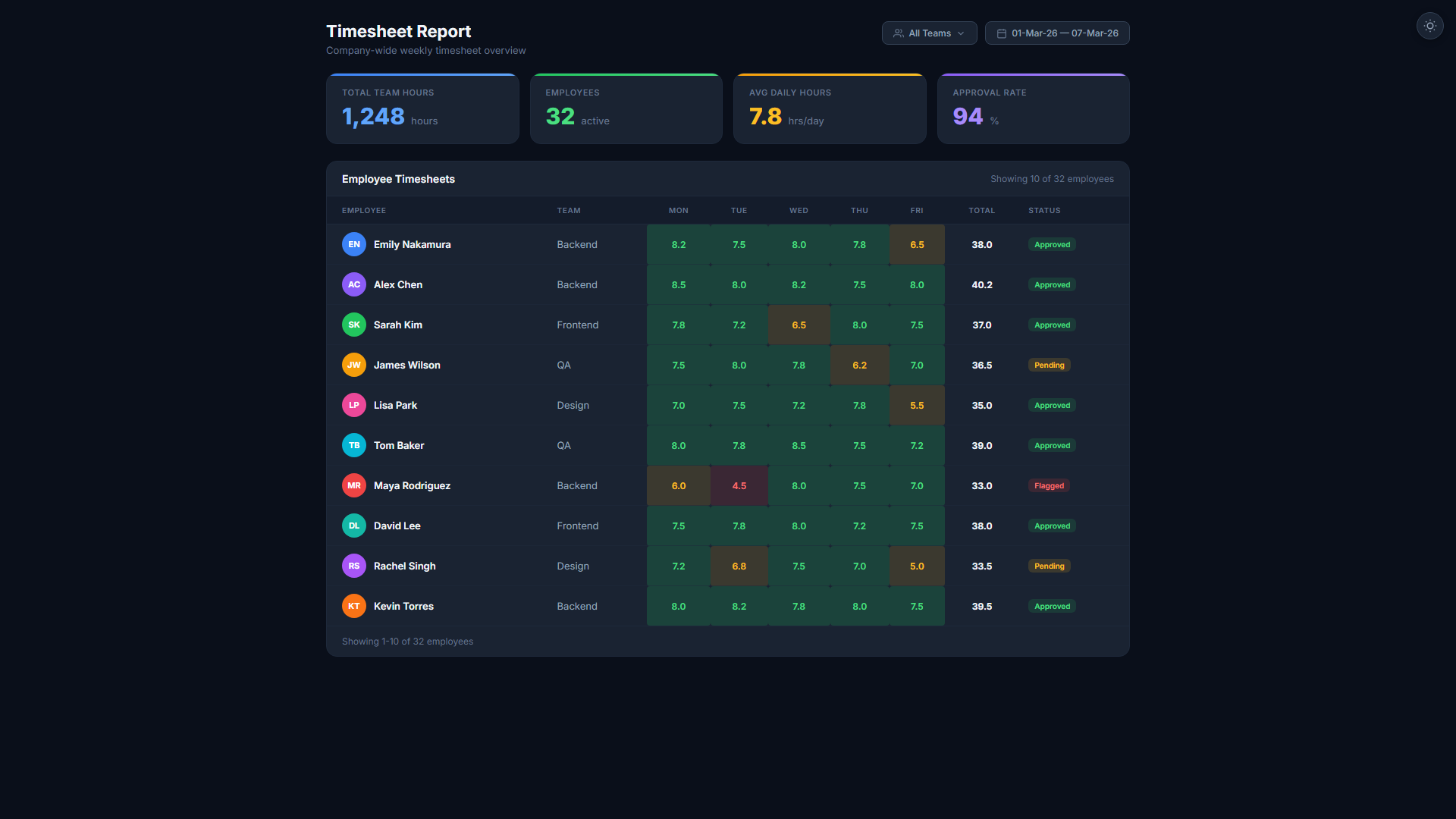
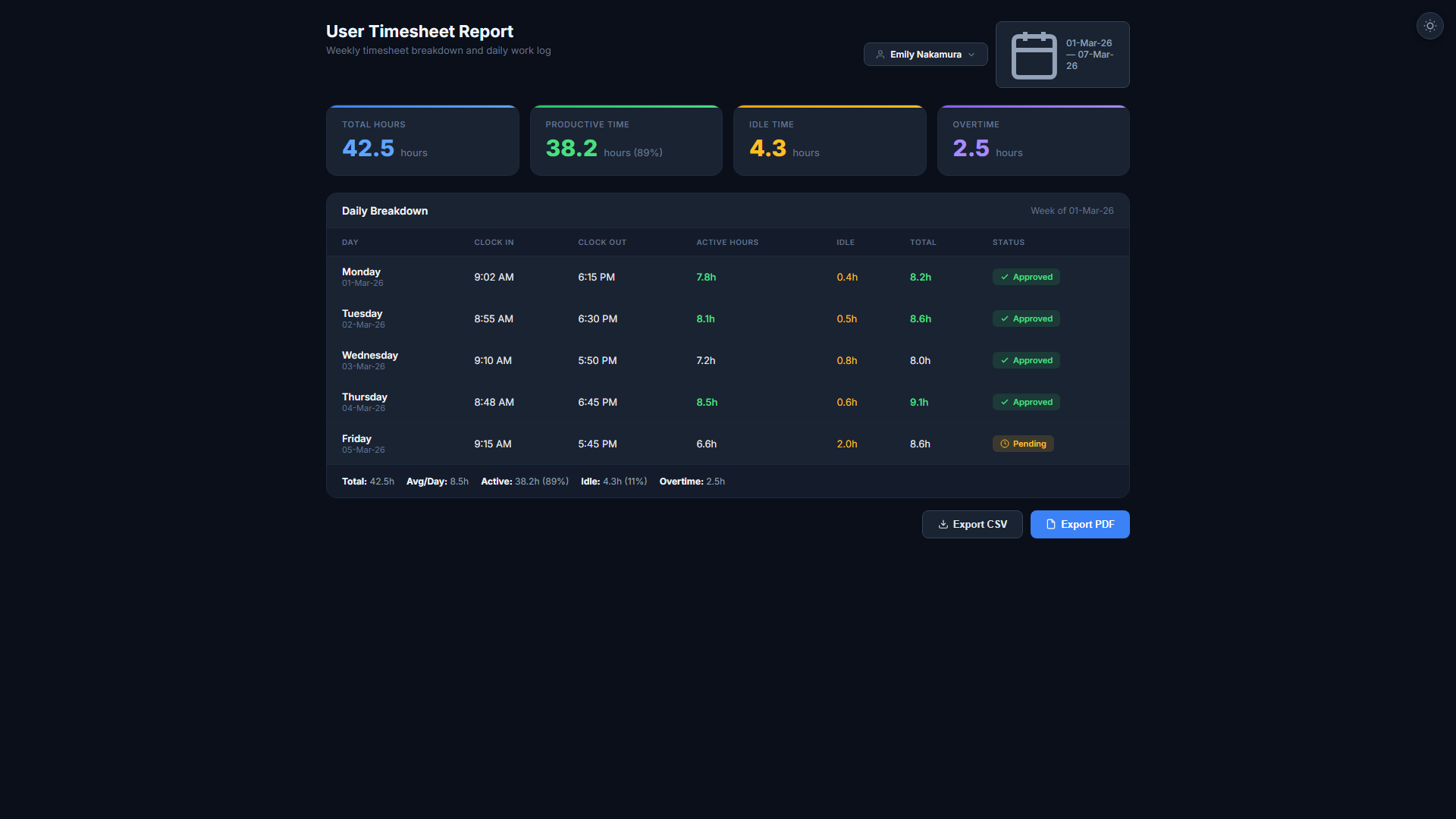
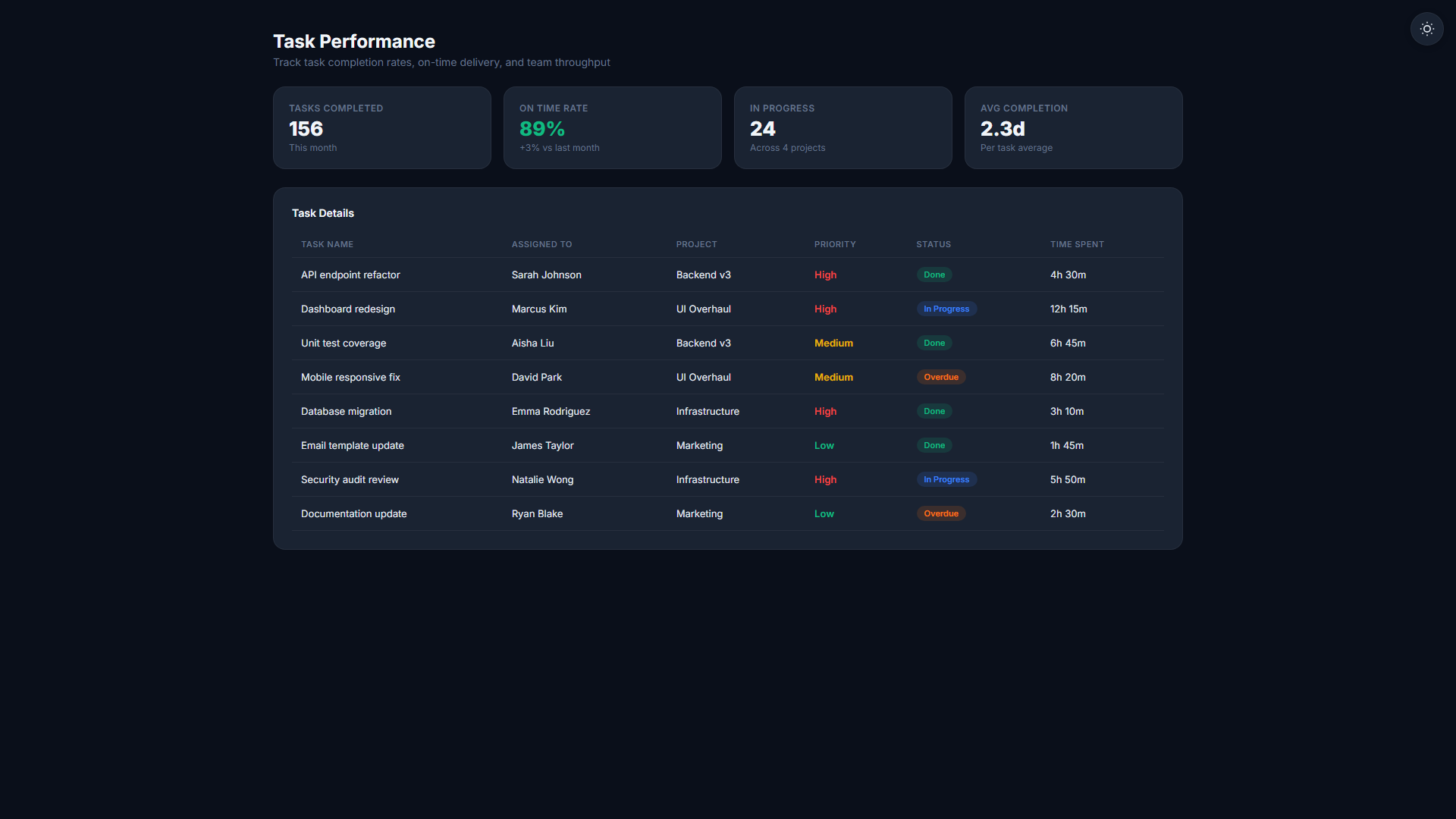
Operations & Finance
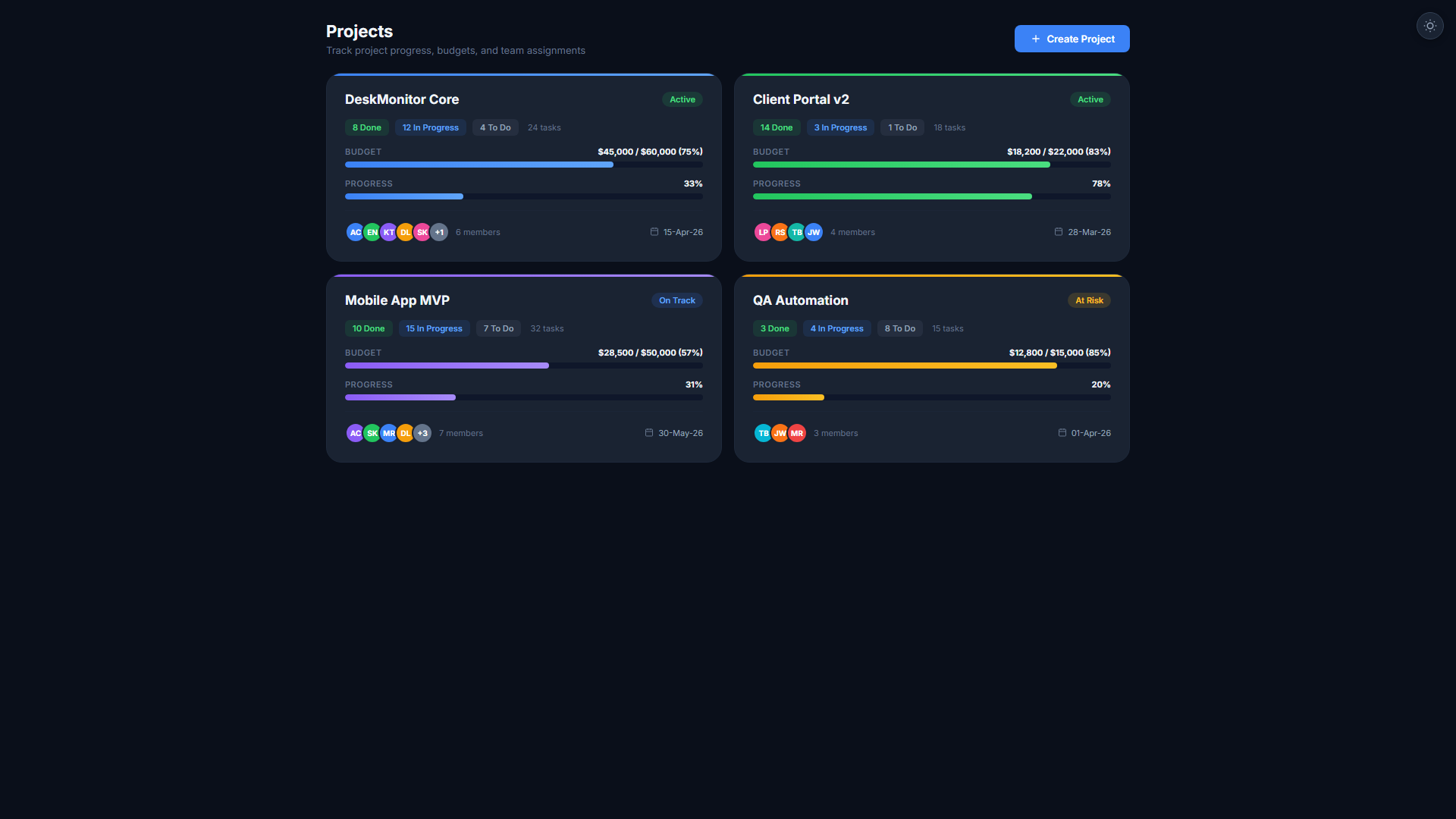
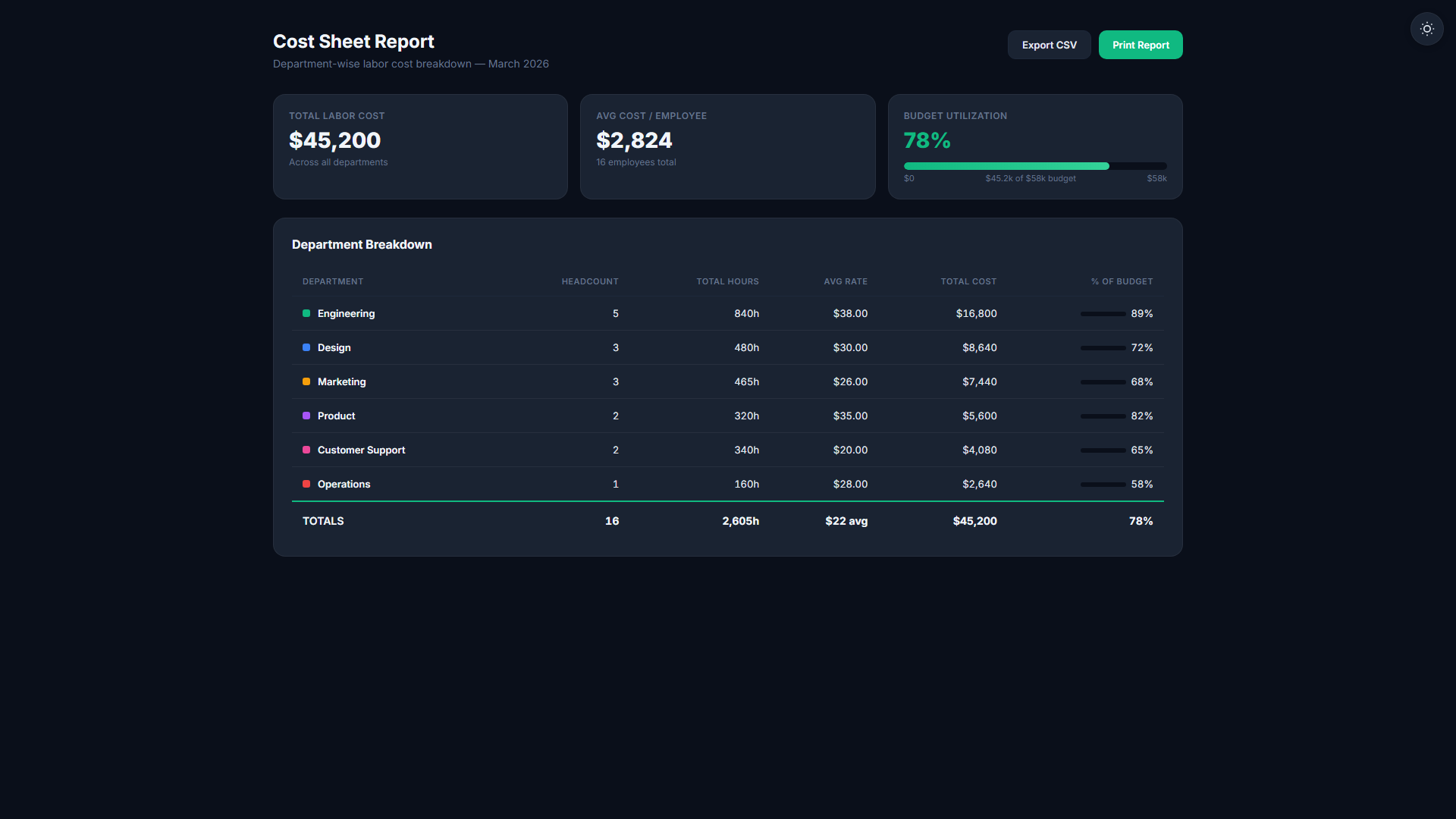
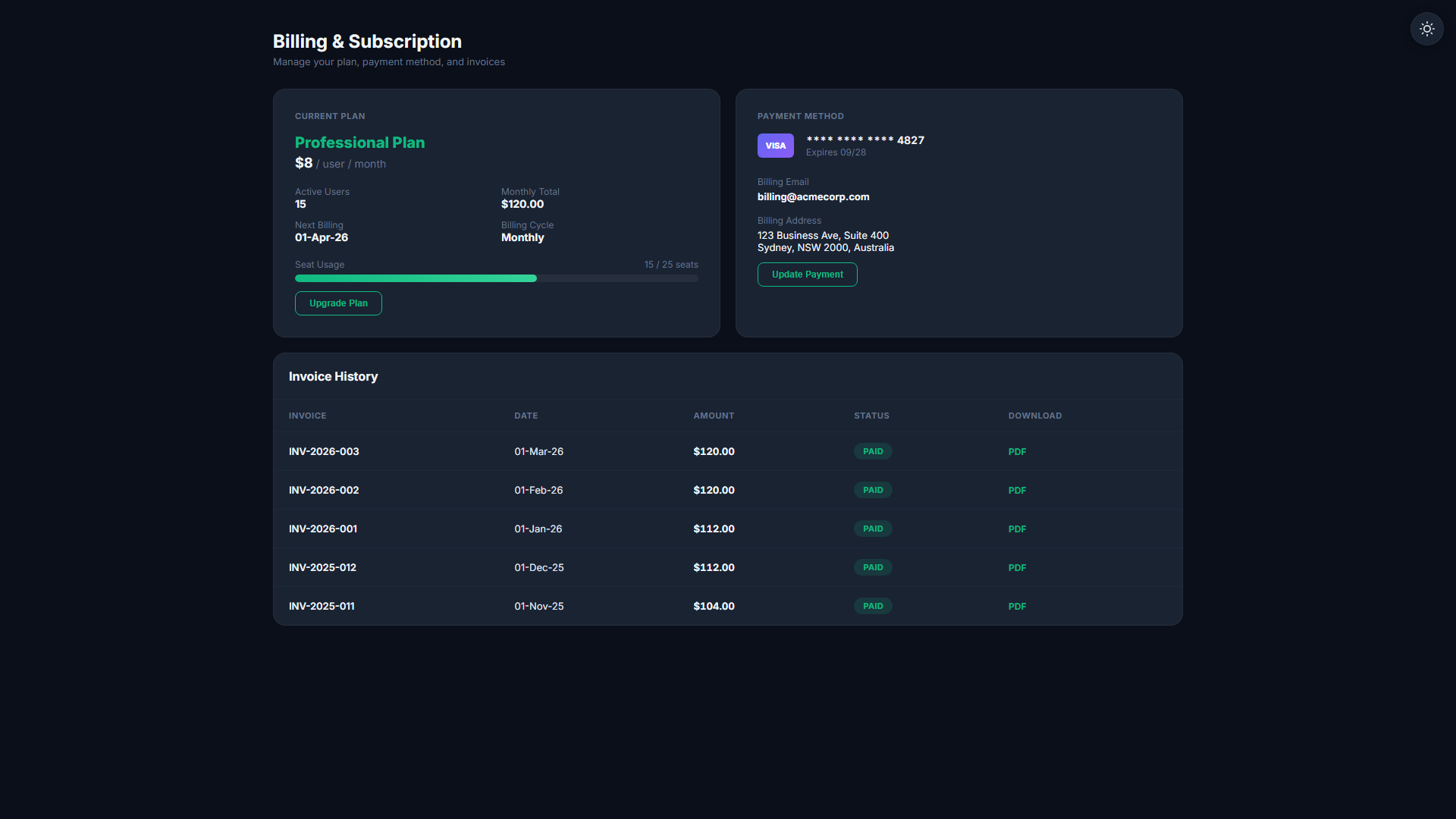
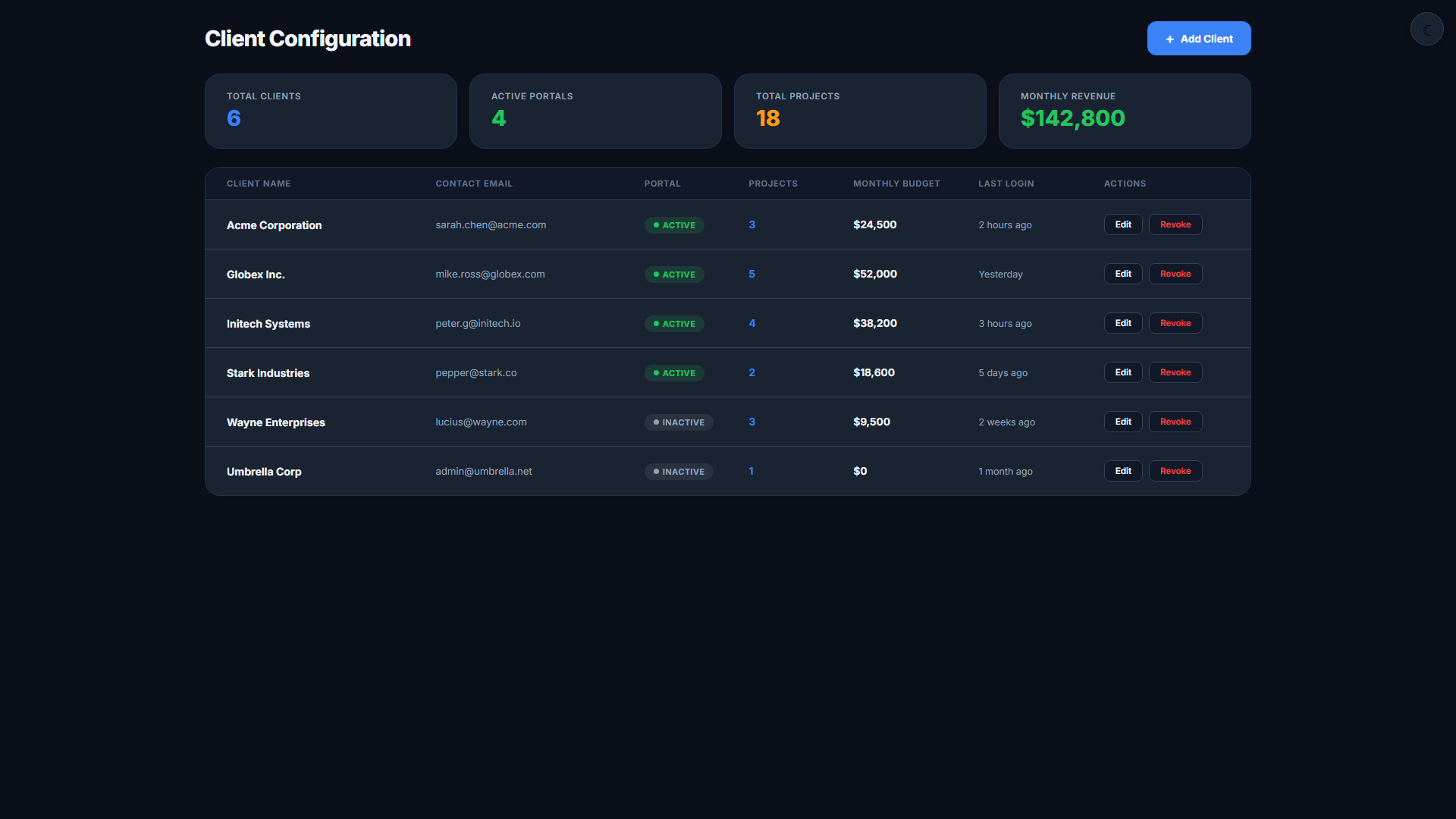
Task management, payroll, budgeting, and client portals to run your team like a business.
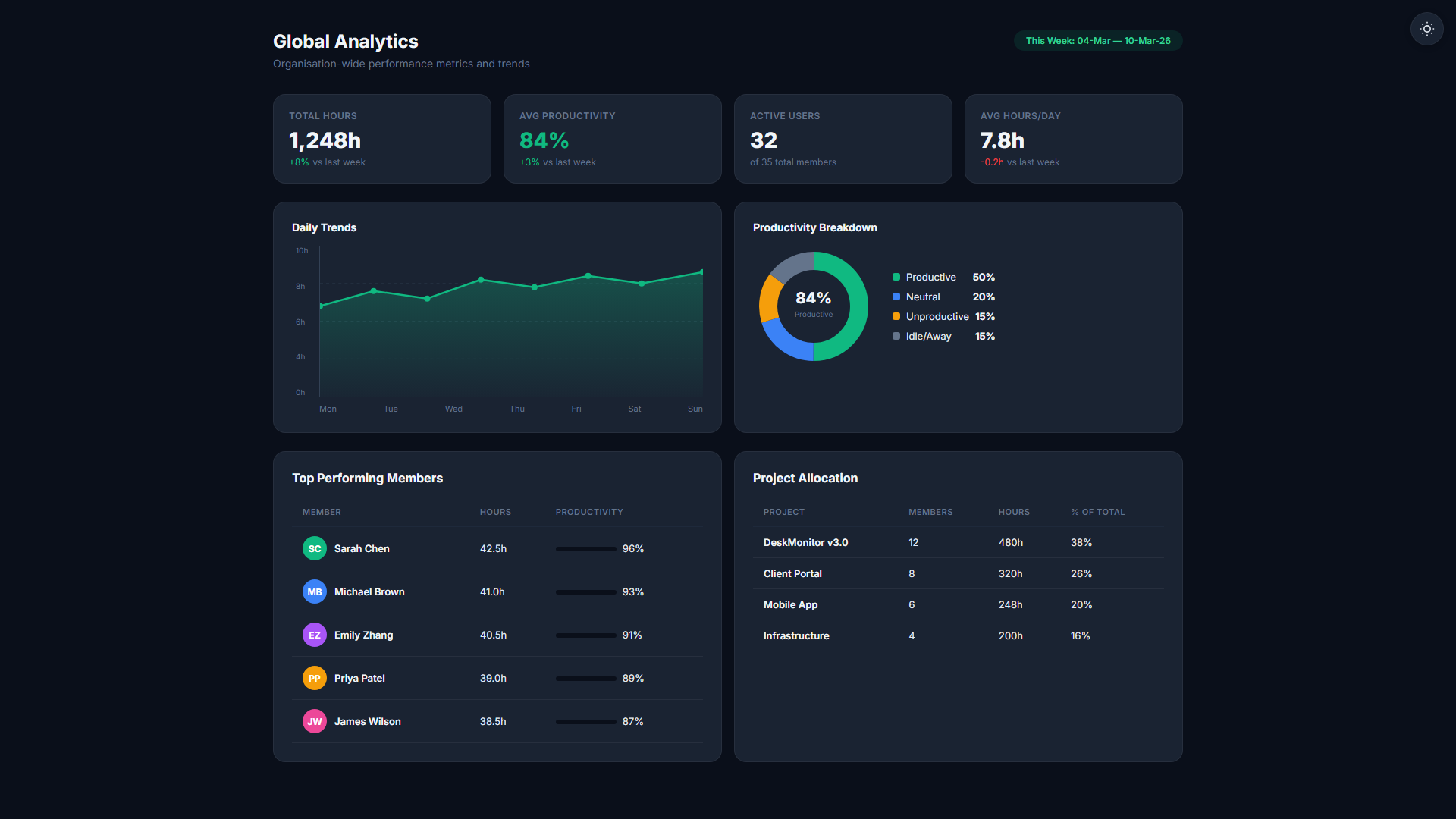
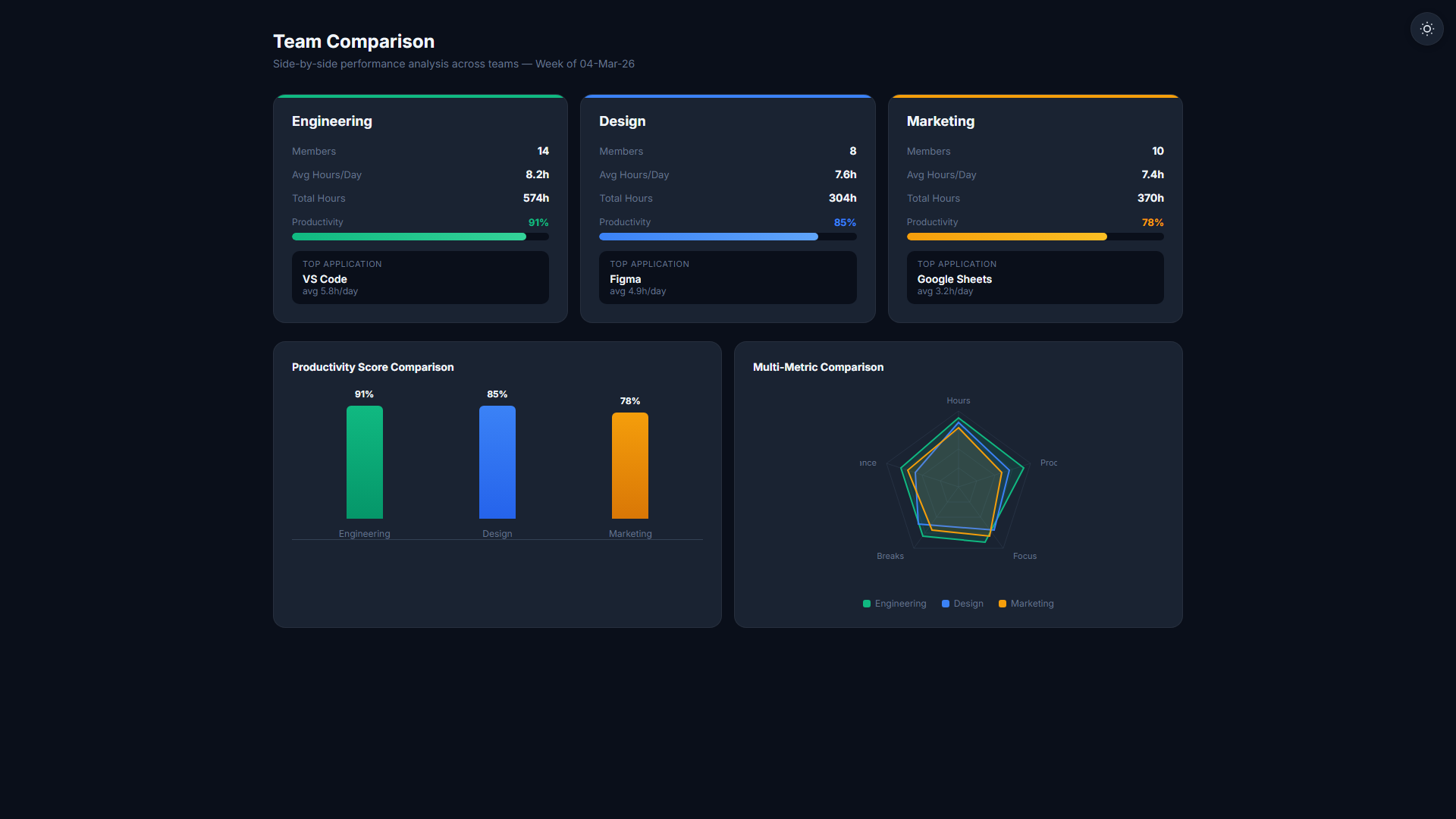
Analytics & Insights
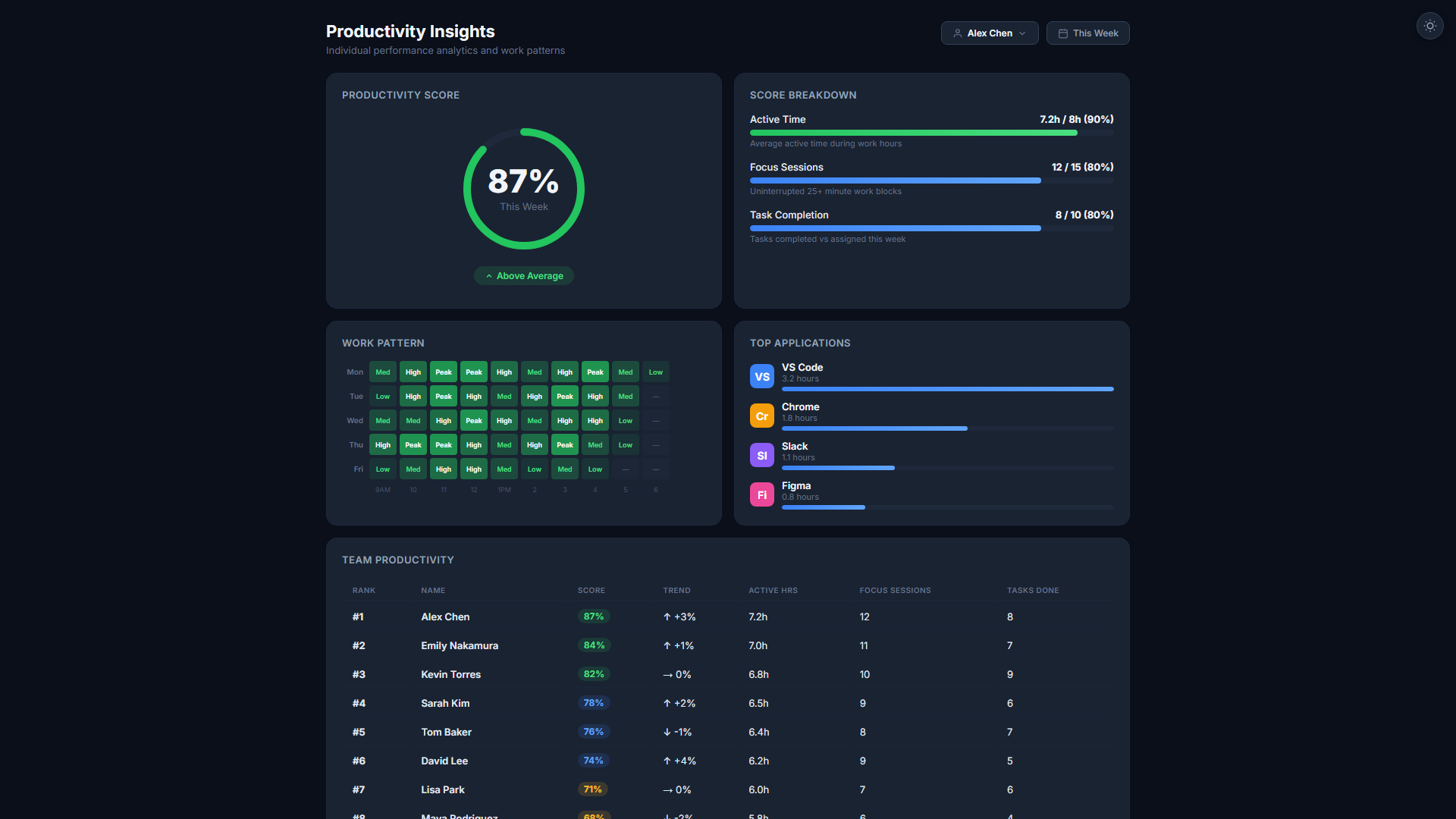
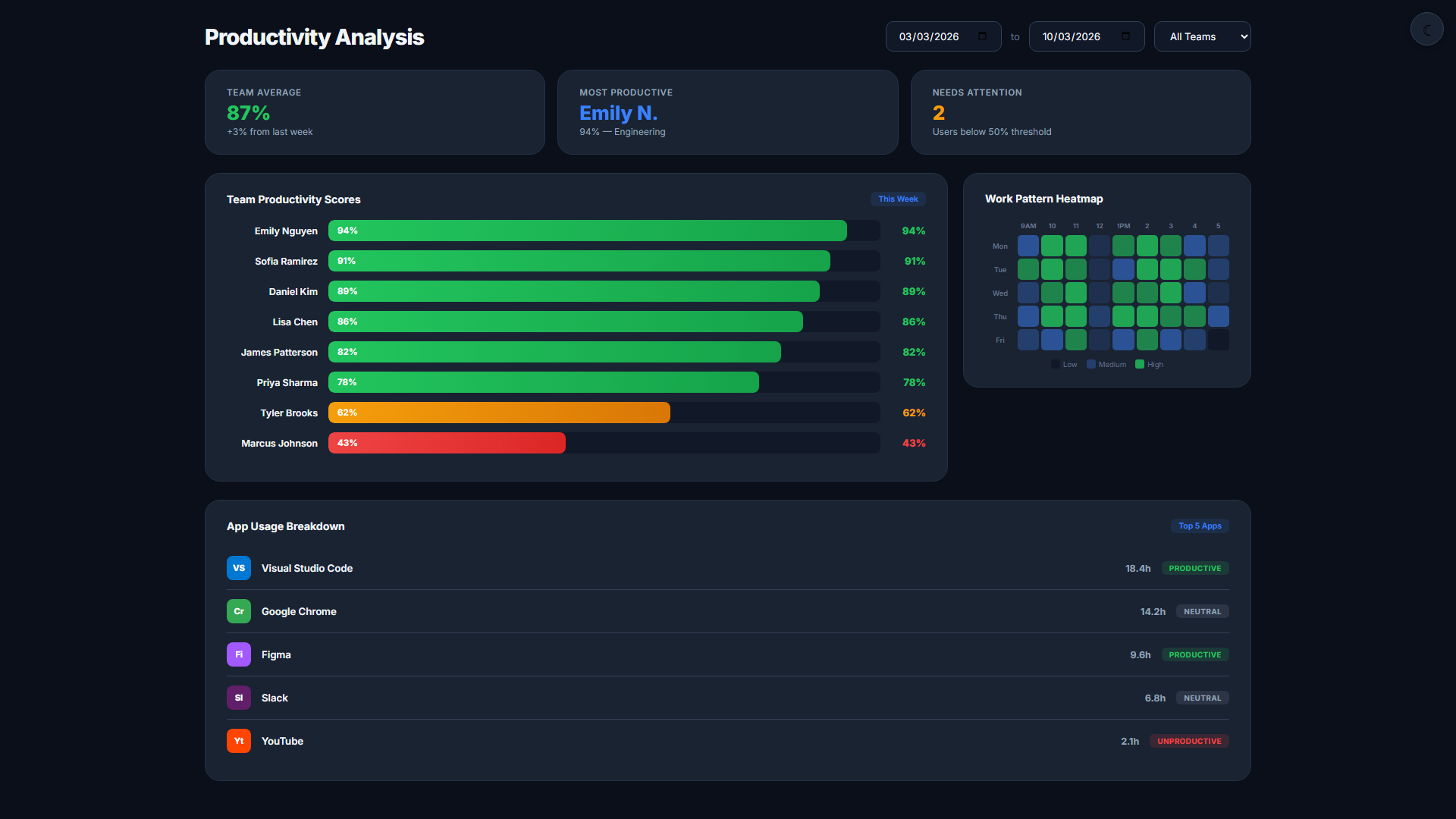
Productivity scoring, benchmarks, wellbeing reports, and deep analysis for data-driven decisions.
Security & Compliance
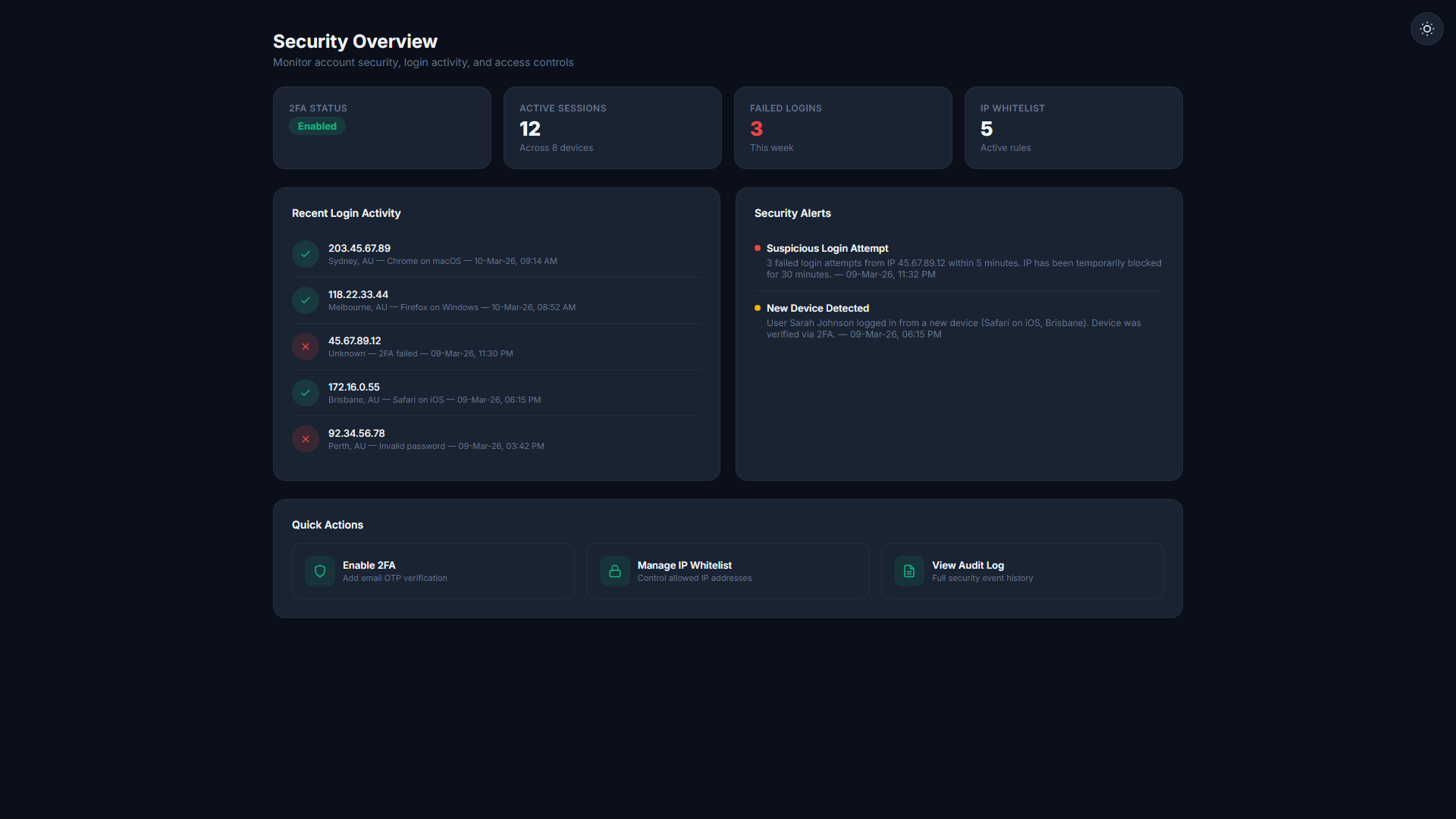
Enterprise-grade authentication, geolocation, and zone compliance.
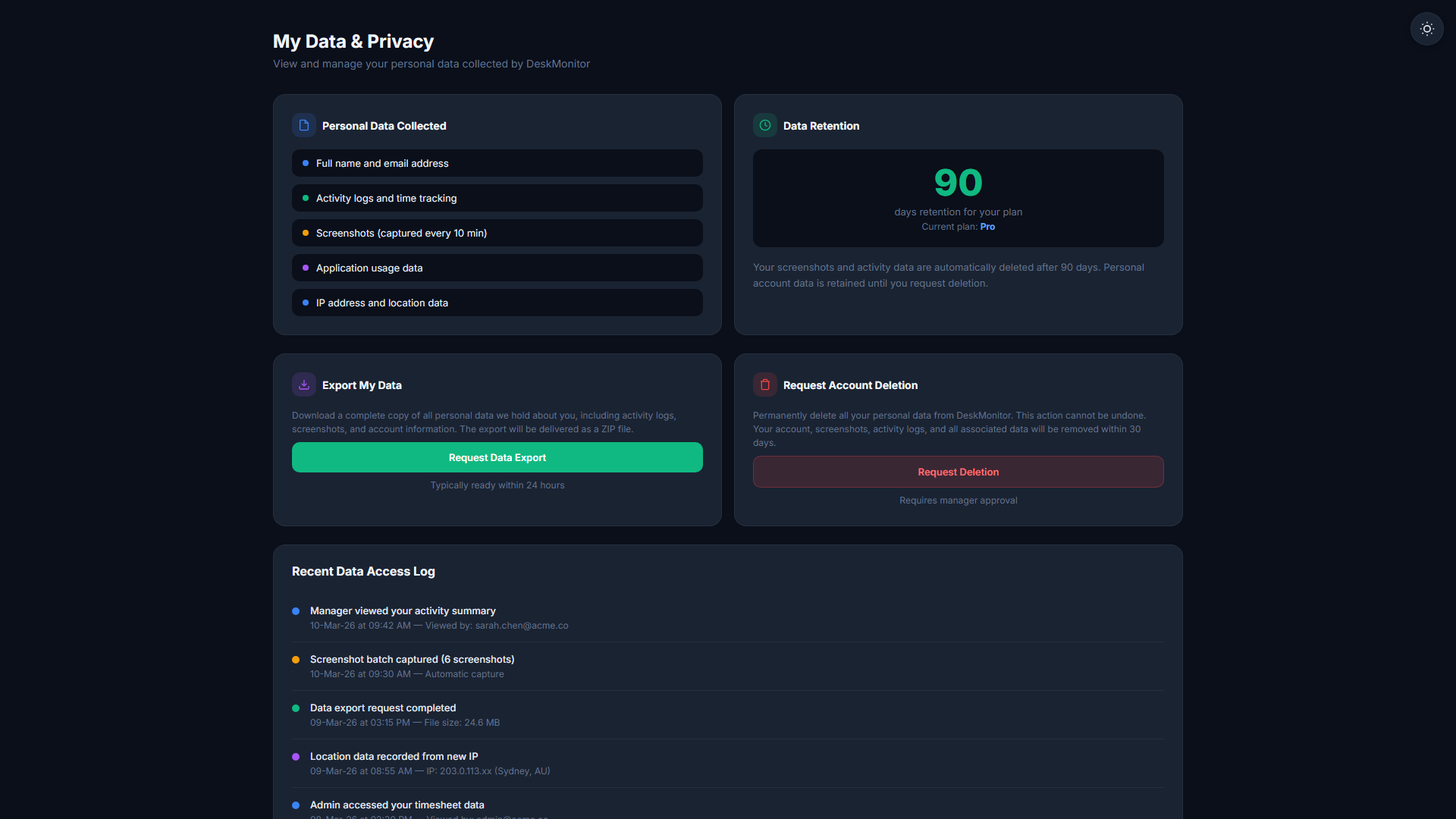
Data & Retention
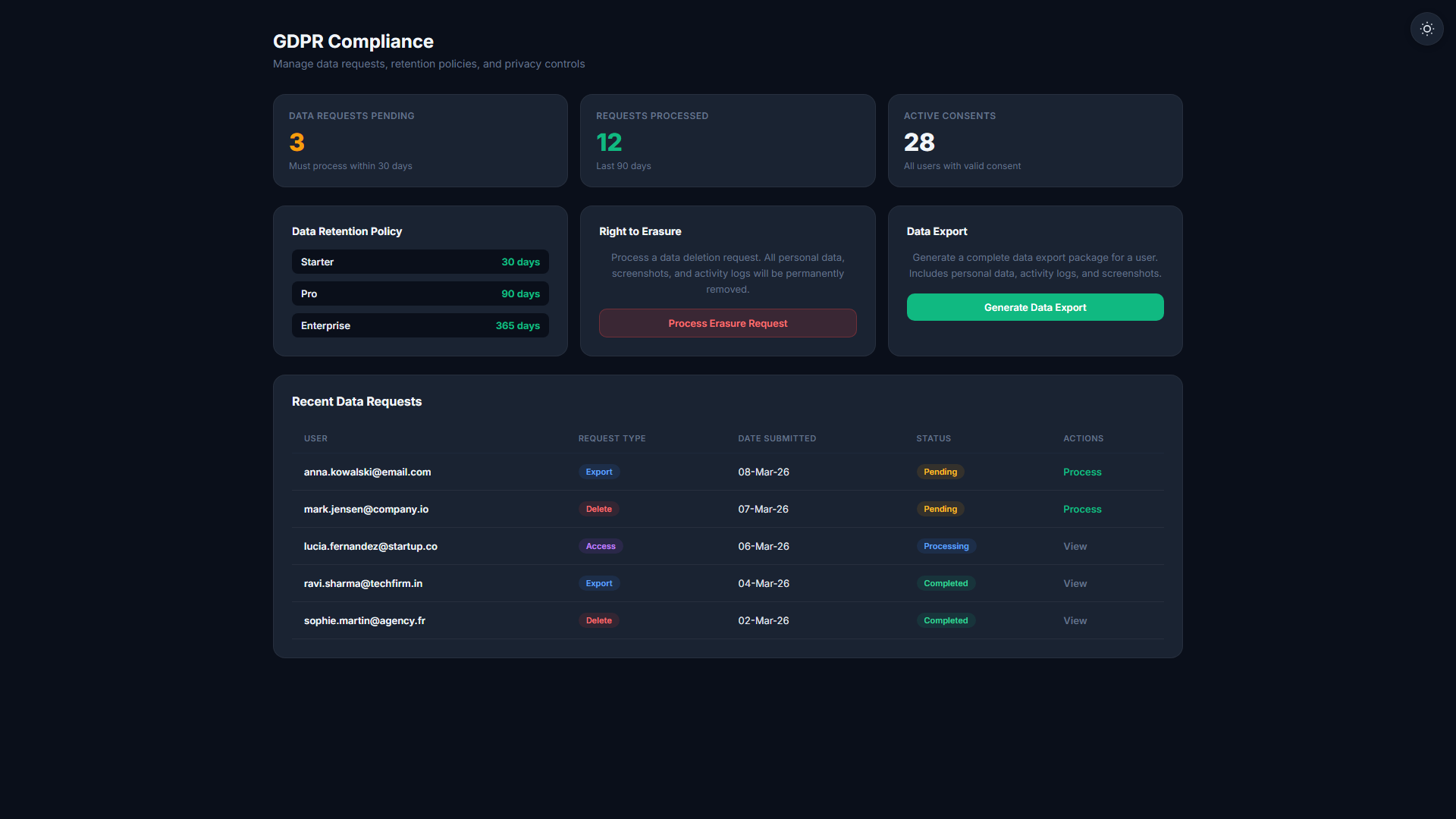
Flexible data retention by plan tier, GDPR workflows, and secure export.
| Plan | Retention Window | GDPR Export |
|---|---|---|
| Community | 60 days | |
| Starter | 60 days | |
| Professional | 90 days | |
| Business | 365 days | |
| Enterprise | Unlimited |
Mobile Suite
Punch clock, GPS breadcrumbs, dashboards, and manager tools for teams on the move.
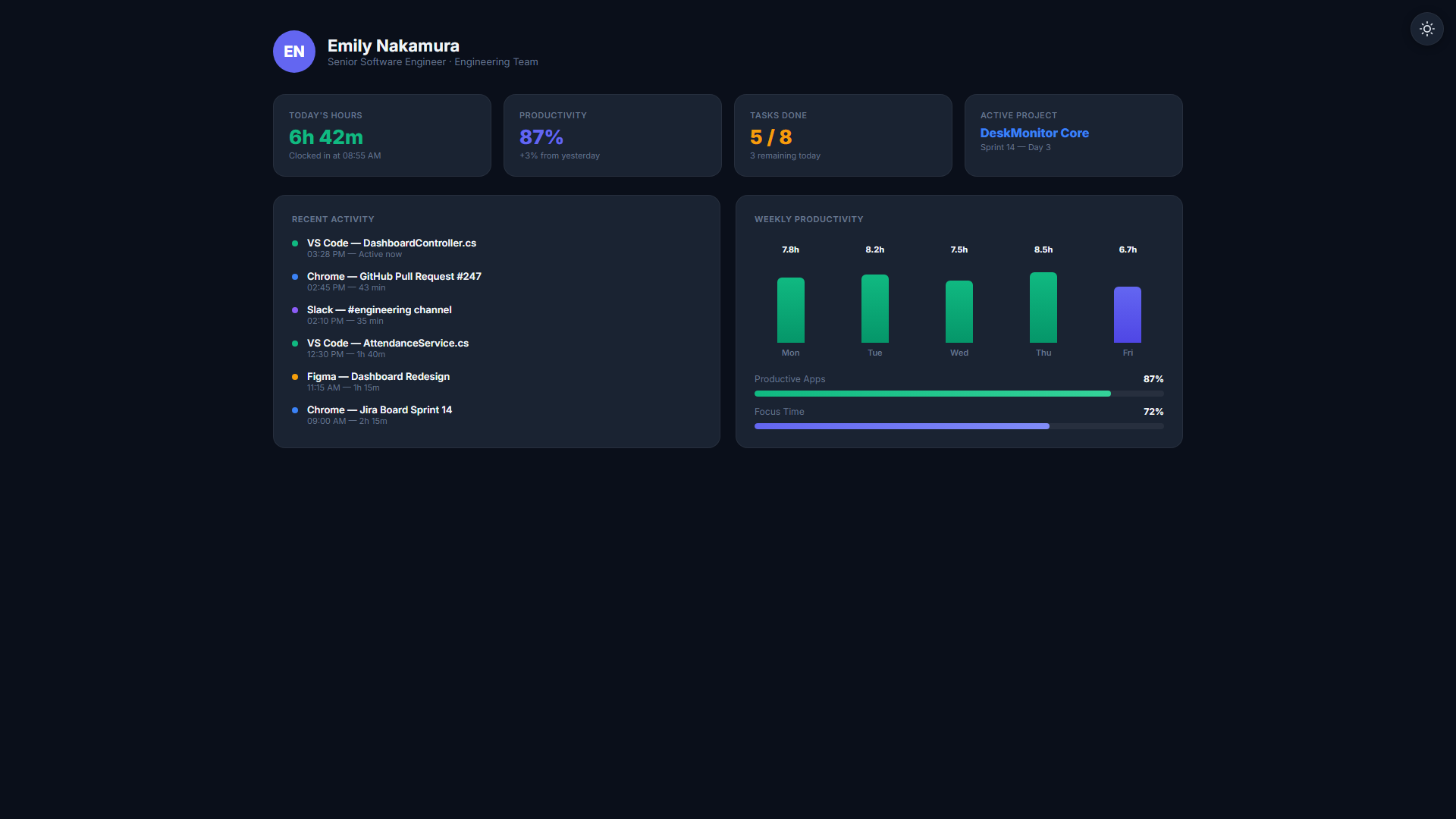
AI & Voice Integration
Connect your AI assistant to live workforce data. Ask questions in natural language — powered by the MCP cloud server.
Frequently Asked Questions
Ready to see all 57 features in action?
Start your 14-day free trial today. No credit card required. Cancel anytime.
Start Free Trial