Geolocation Tracking —
Know where your team works from
Remote work is global — but not all locations are authorized. Geolocation tracking logs where every team member logs in from, flags unusual locations, and enforces zone-based access rules automatically.
Start Free TrialLocation intelligence for your global team
- IP and GPS-based login location detection
- Zone classification with compliance rule enforcement
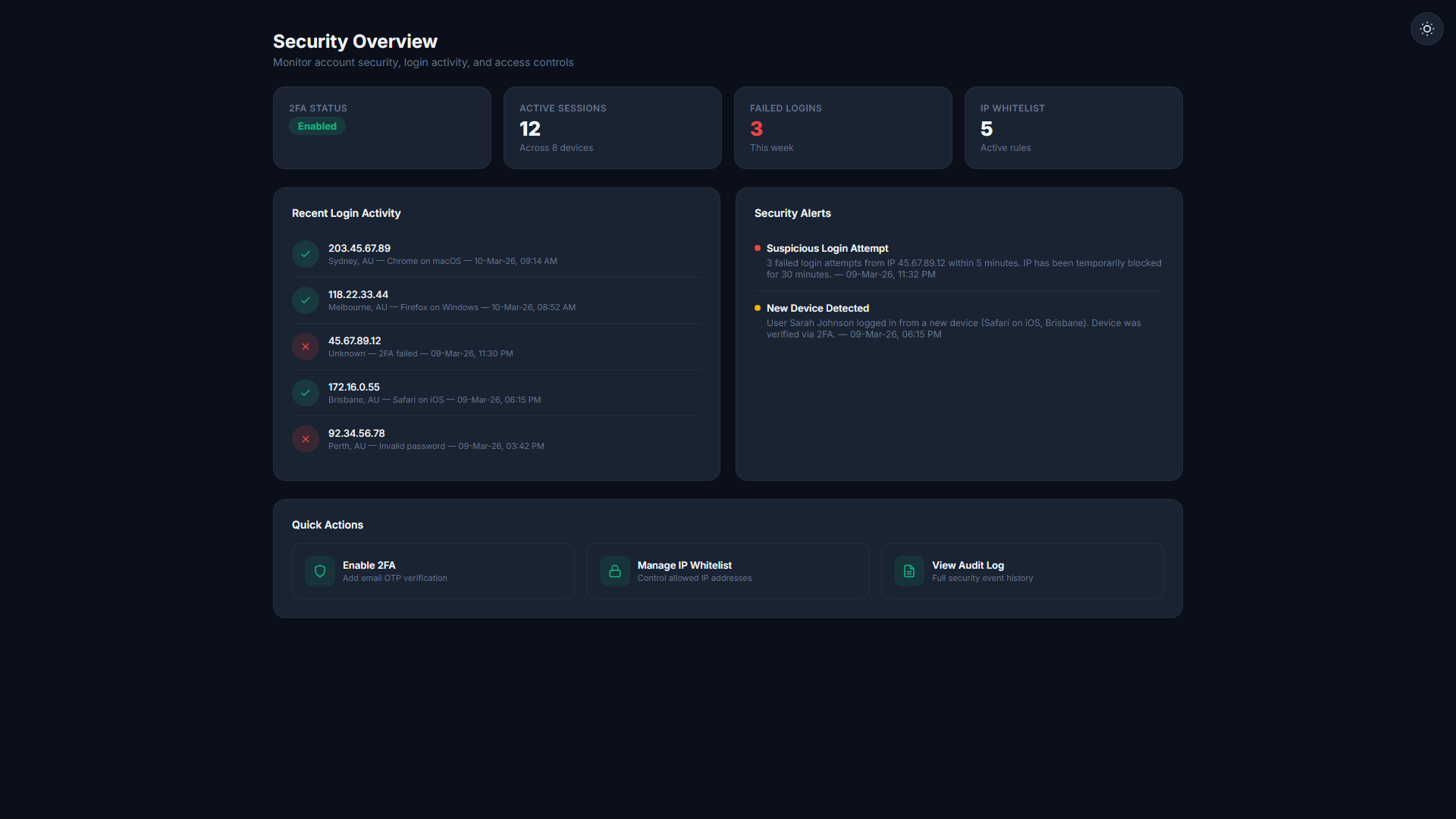
- New location and VPN detection alerts
- Full location audit history for compliance
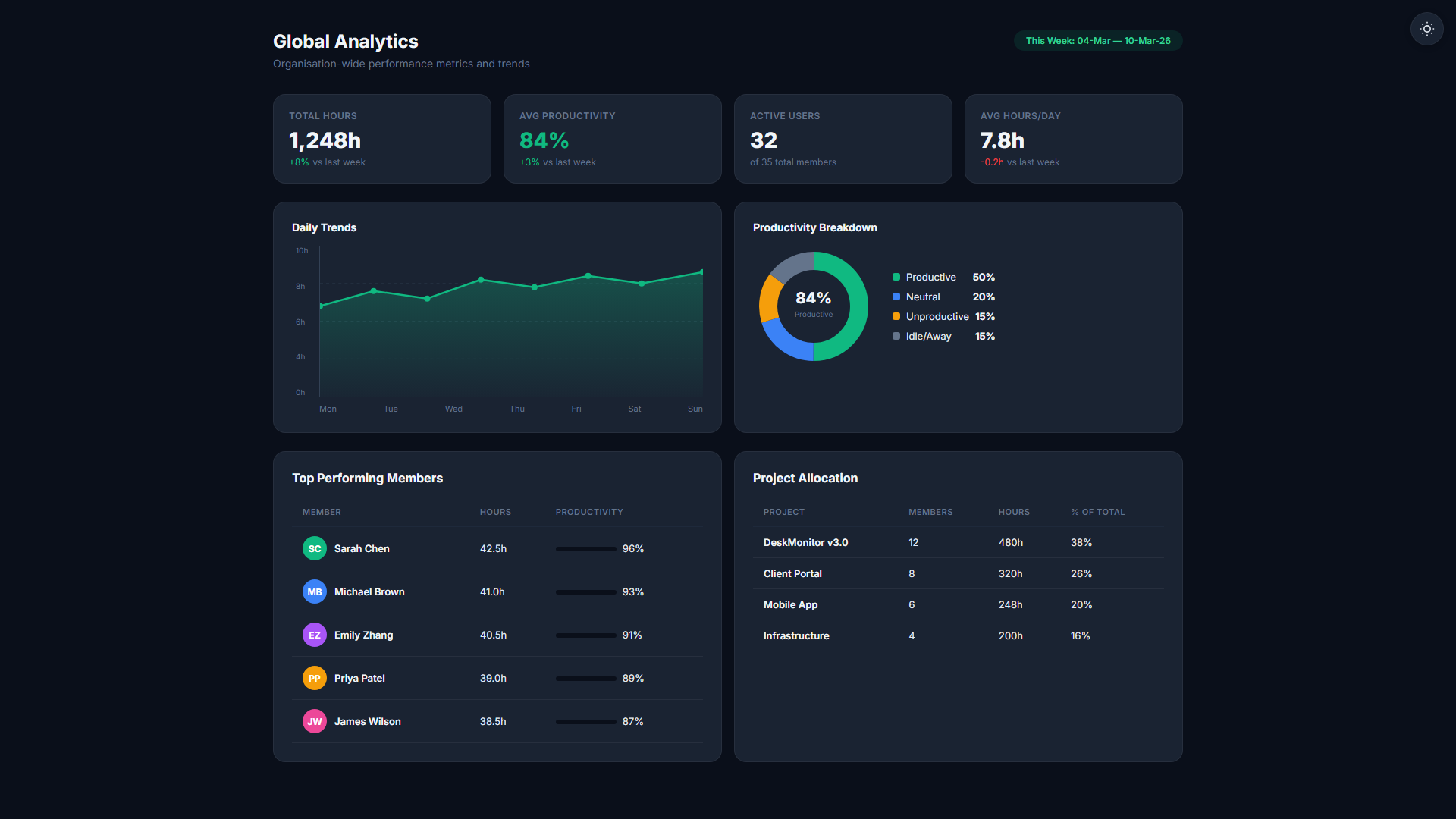
Location intelligence for distributed teams
IP & GPS Location Detection
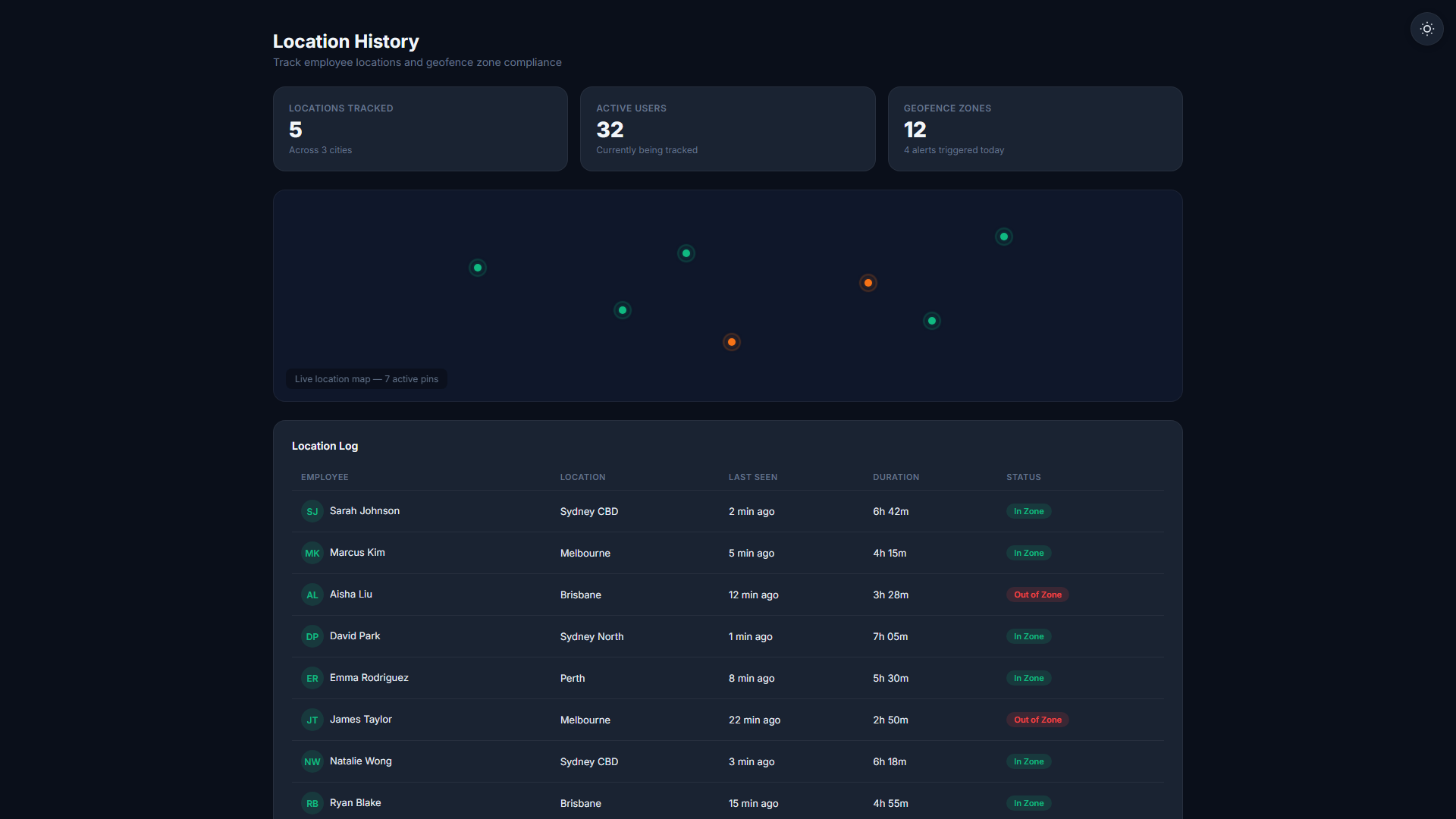
Login location is detected via IP geolocation for desktop agents. Mobile agents additionally capture GPS coordinates via the device's location services.
Login Location Map
View a map of all login locations for your team. Spot logins from unexpected countries, cities, or ISPs — and investigate before they become incidents.
Zone Classification
Classify locations into compliance zones (Zone A, B, C). Each zone can have different monitoring rules, feature access restrictions, and data handling policies applied automatically.
New Location Alerts
When a team member logs in from a country or city not in their history, an alert is sent to the admin. A VPN detection flag is also raised for known VPN exit nodes.
Geofenced Compliance Rules
Set geo-fenced rules that automatically apply feature restrictions or compliance flags when a user logs in from a restricted region. No manual intervention needed.
Location Audit History
Every login location is retained in the audit log for your configured data retention period. Export location history for compliance audits or HR investigations.
Employees are always notified that location tracking is active — at clock-in and visible in their personal dashboard. Geolocation is employer-configured, employee-aware, and requires no per-session opt-in friction.
Employer-configured. Employee-aware.
Login is Detected
When a user logs into TheDeskMonitor (desktop or mobile), their IP is resolved to a geographic location automatically. No employee action required.
Zone Rule is Applied
The location is matched against your configured zone rules. If the location triggers a rule, the appropriate access or monitoring policy is applied immediately.
Admin is Notified if Needed
New locations or rule-triggering logins generate an admin notification. Routine logins from known locations are silently logged for audit purposes only.
Related Features
Start your 14-day free trial
No credit card required. Geolocation Tracking available on Professional plan and above.
Start Free Trial