Zone-Based Compliance —
GDPR and regional rules, automatic
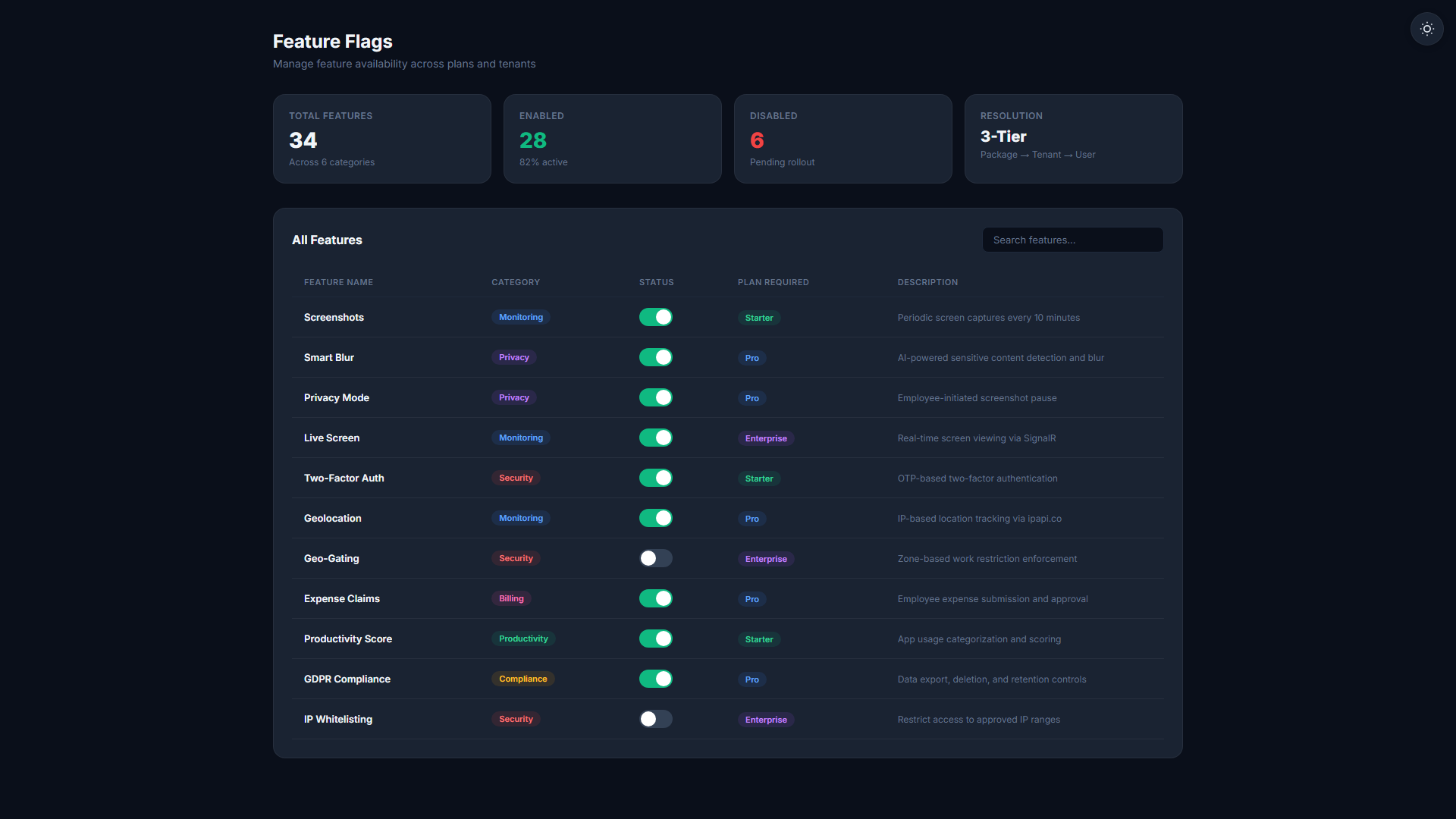
Different regions have different rules. TheDeskMonitor's zone compliance engine automatically applies the right monitoring policies, data handling restrictions, and feature flags based on where each team member logs in from.
Start Free TrialAutomatic compliance across every region
- Country and region-based compliance zones
- Automatic feature flag adjustment by location
- Pre-built GDPR and CCPA rule templates
- Compliance reporting for DPA and client audits
One platform. Every region covered.
Country & Region-Based Rules
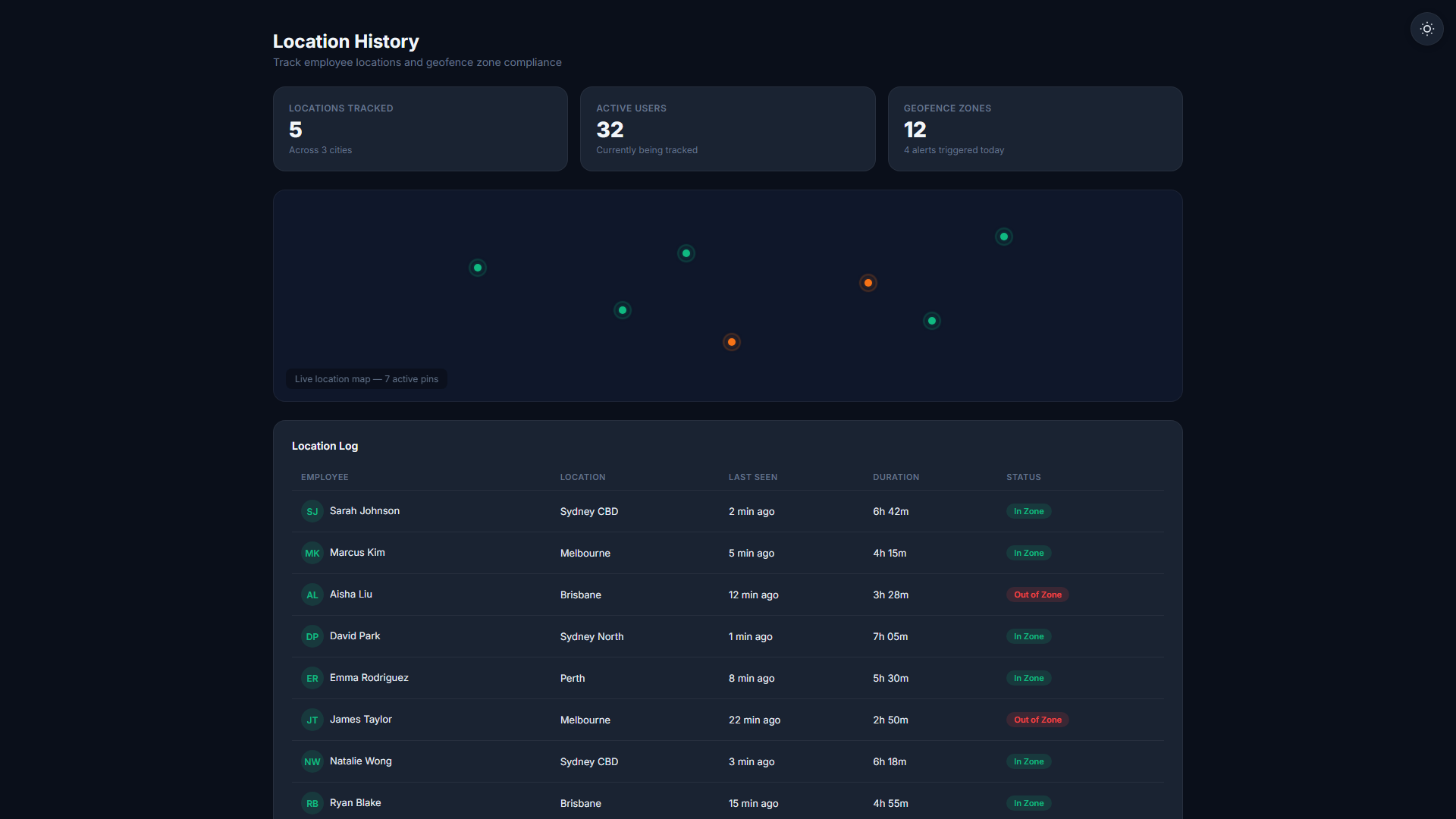
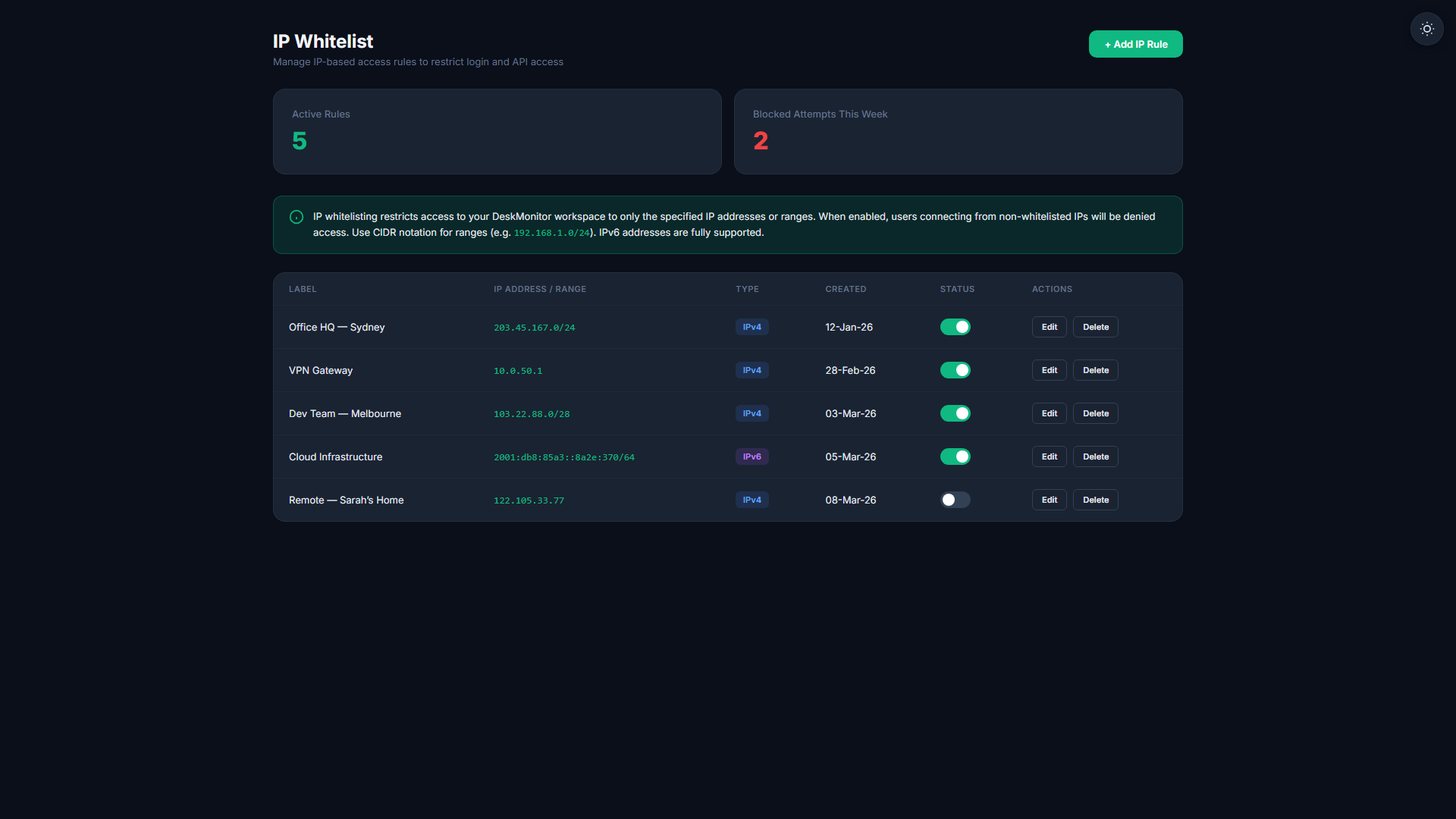
Create compliance zones mapped to specific countries or regions. Each zone carries its own rules for which monitoring features are active and how data is stored.
Automatic Feature Flag Adjustment
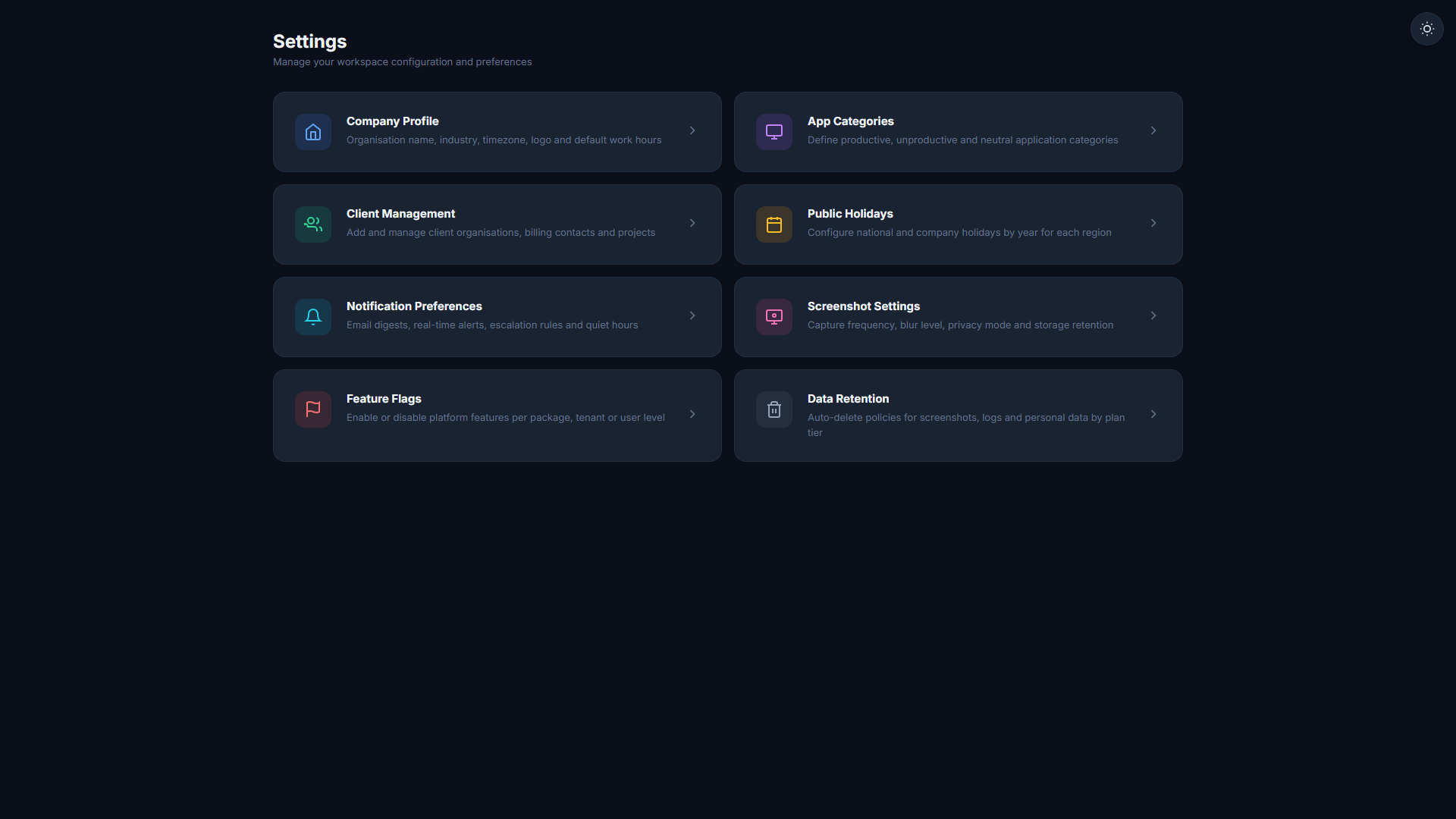
When a user logs in from the EU, GDPR-relevant features are automatically adjusted — e.g., screenshots are blurred, keystroke data is aggregated-only, and data retention is capped. Zero manual toggles.
GDPR Region Enforcement
EU-based employees are automatically placed in a GDPR-compliant monitoring profile. Data minimisation, purpose limitation, and consent controls are enforced without any HR configuration per employee.
BPO Offshore Compliance
For BPO clients with offshore teams in the Philippines, India, or Eastern Europe, zone rules ensure the client-required monitoring levels are maintained without violating local labour laws.
Compliance Reporting
Generate a compliance report showing which zones are active, which employees fall into each zone, and what monitoring policies are applied. Ready for DPA submissions and client audits.
Custom Zone Builder
Create entirely custom zones beyond the pre-built GDPR/CCPA templates. Define your own country list, monitoring rules, and data handling policies for any regulatory requirement.
Configure once. Comply everywhere.
Define Your Zones
Use the pre-built GDPR (EU), CCPA (California), and Standard templates — or build custom zones. Map each zone to the countries it covers and the rules it applies.
Login Location is Detected
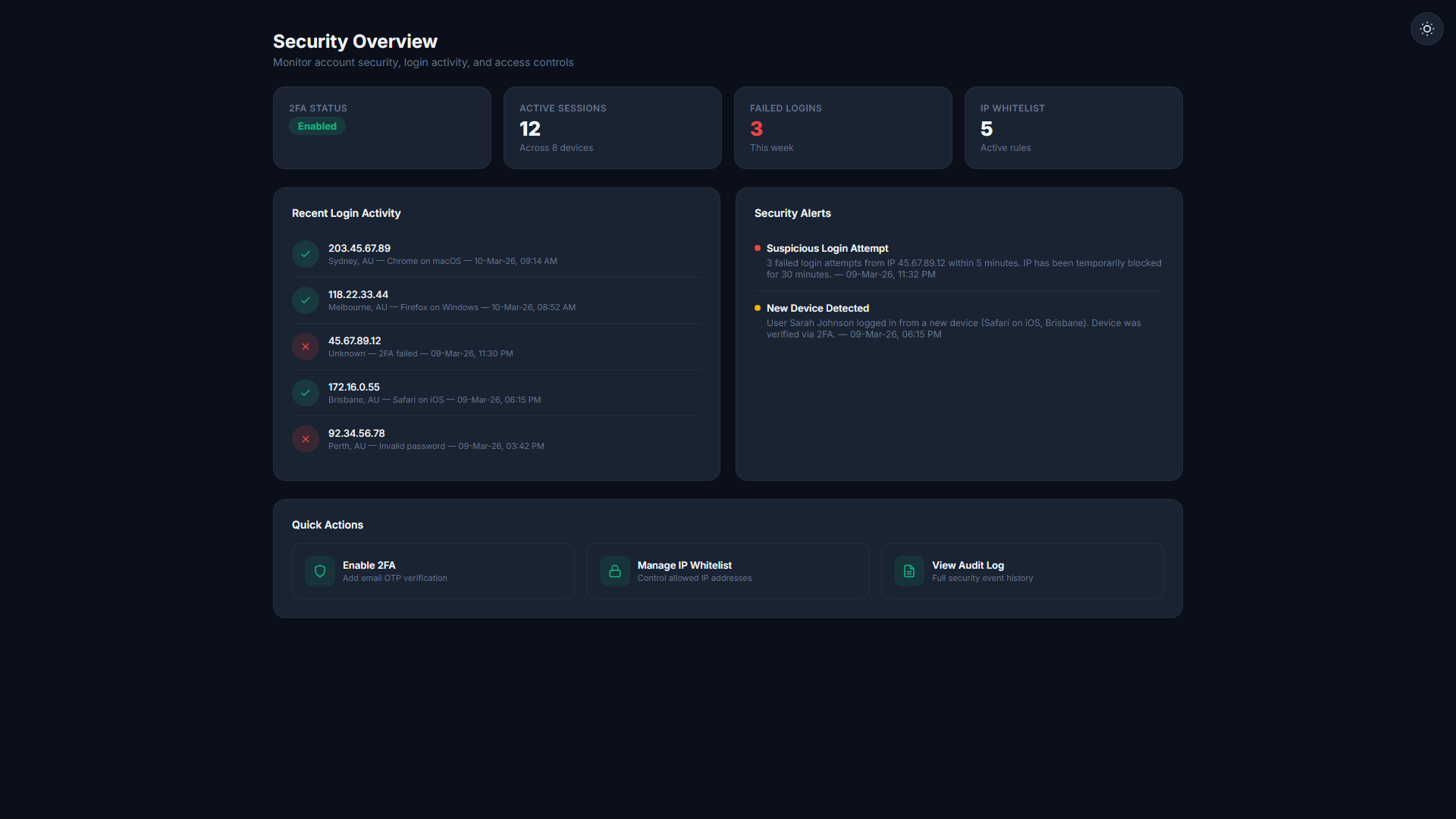
When a team member logs in, their location is determined automatically. The system identifies which zone applies and activates the corresponding rule set.
Rules Apply Automatically
The correct monitoring profile, data retention policy, and feature flags are applied for that session. Compliance is enforced without any manual per-employee configuration.
Related Features
Start your 14-day free trial
No credit card required. Zone-Based Compliance available on Business plan and above.
Start Free Trial