Holiday Management —
Regional public holiday calendars for teams
Stop manually tracking which employees are off for which public holidays. TheDeskMonitor lets you define regional holiday groups, assign employees, and have public holidays appear automatically in attendance records, shift schedules, and payroll — no manual HR entry required.
Start Free TrialHoliday calendars that connect to everything
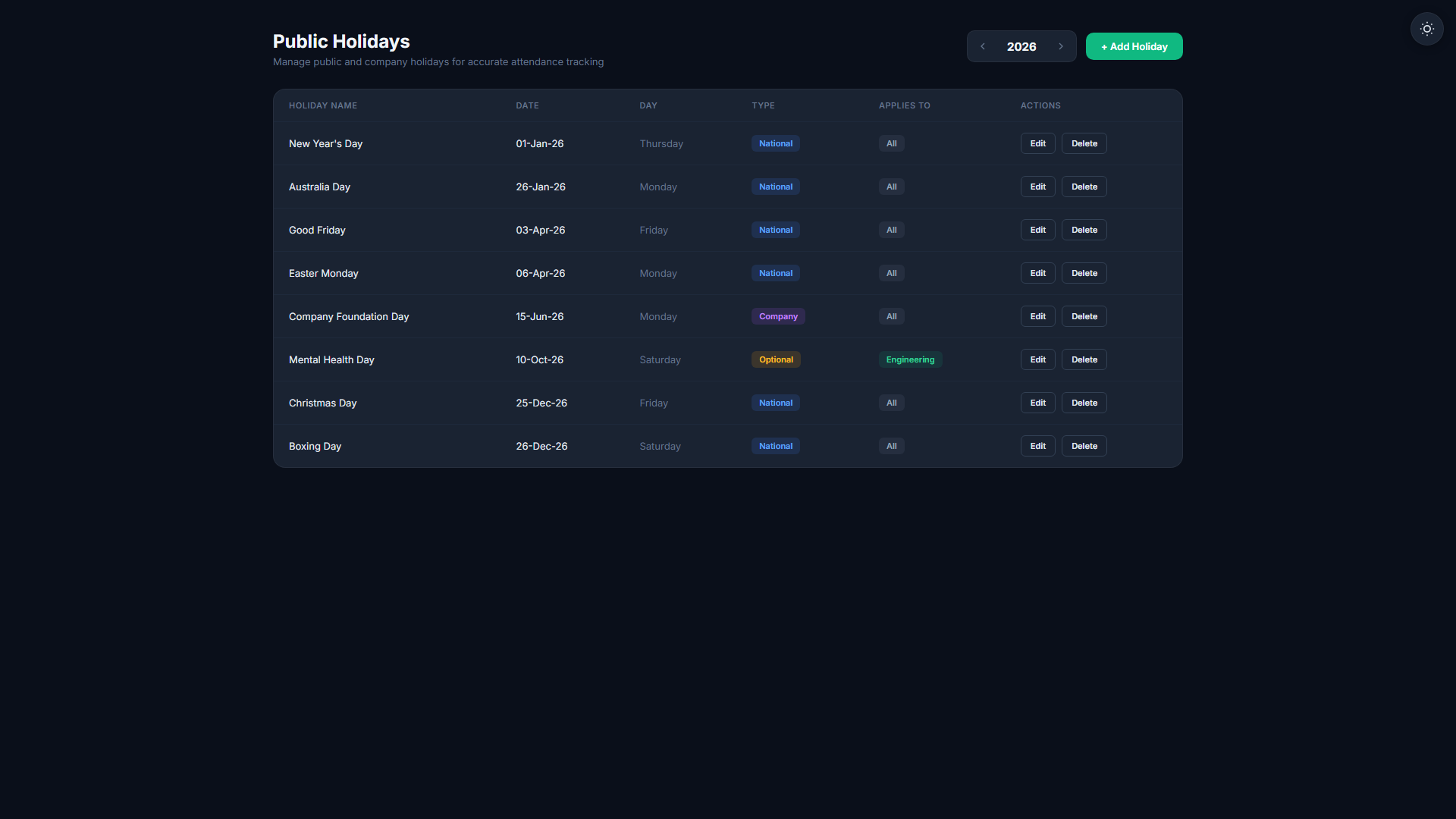
Regional Holiday Groups
Create named holiday groups — for example, "US Federal Holidays" or "AU Public Holidays" — and add dates with narrations. Each group is reusable across your whole team.
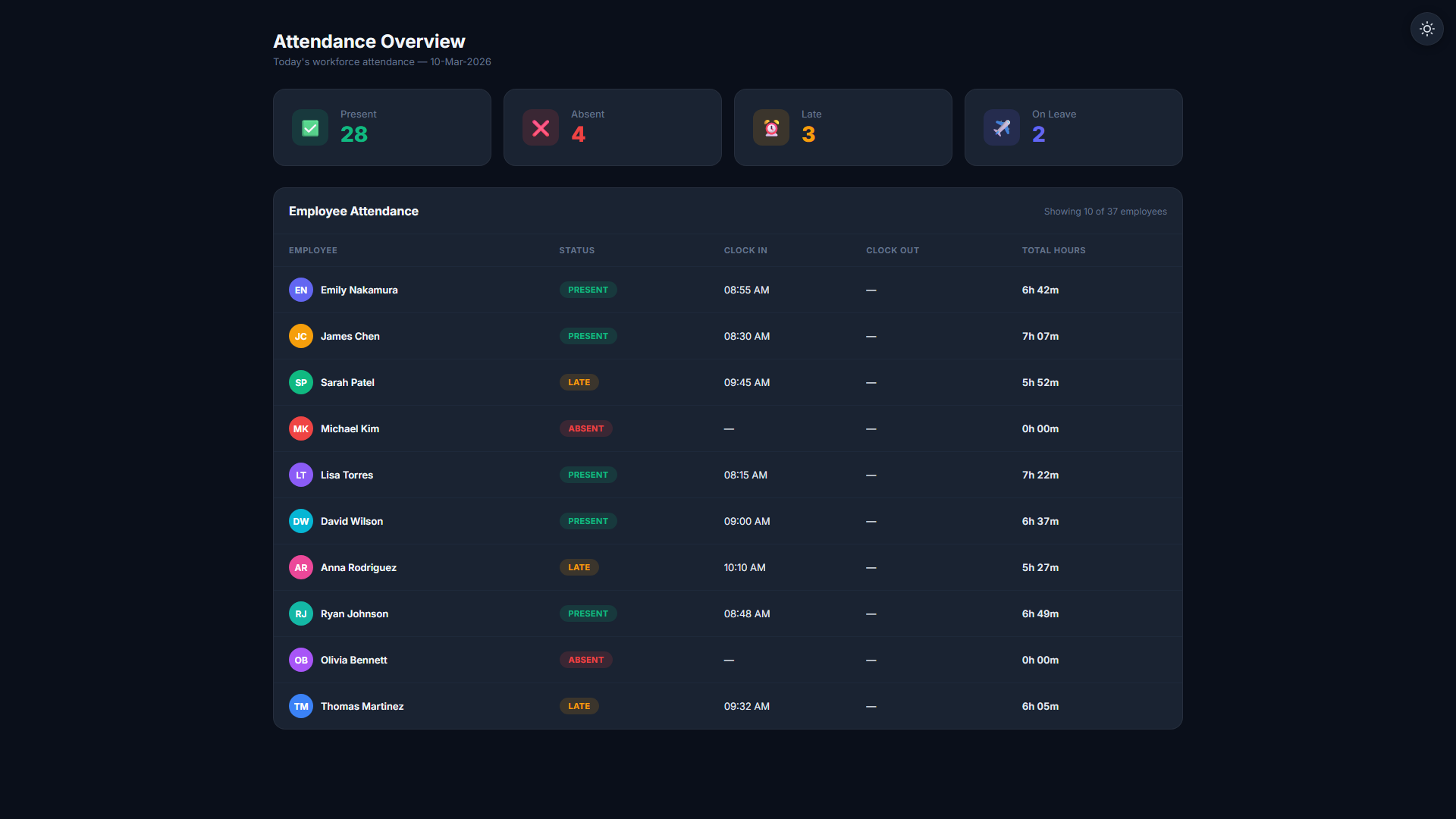
Per-Employee Group Assignment
Assign each employee to the holiday group that matches their location. Employees in different regions automatically follow different public holiday calendars with no manual HR overhead.
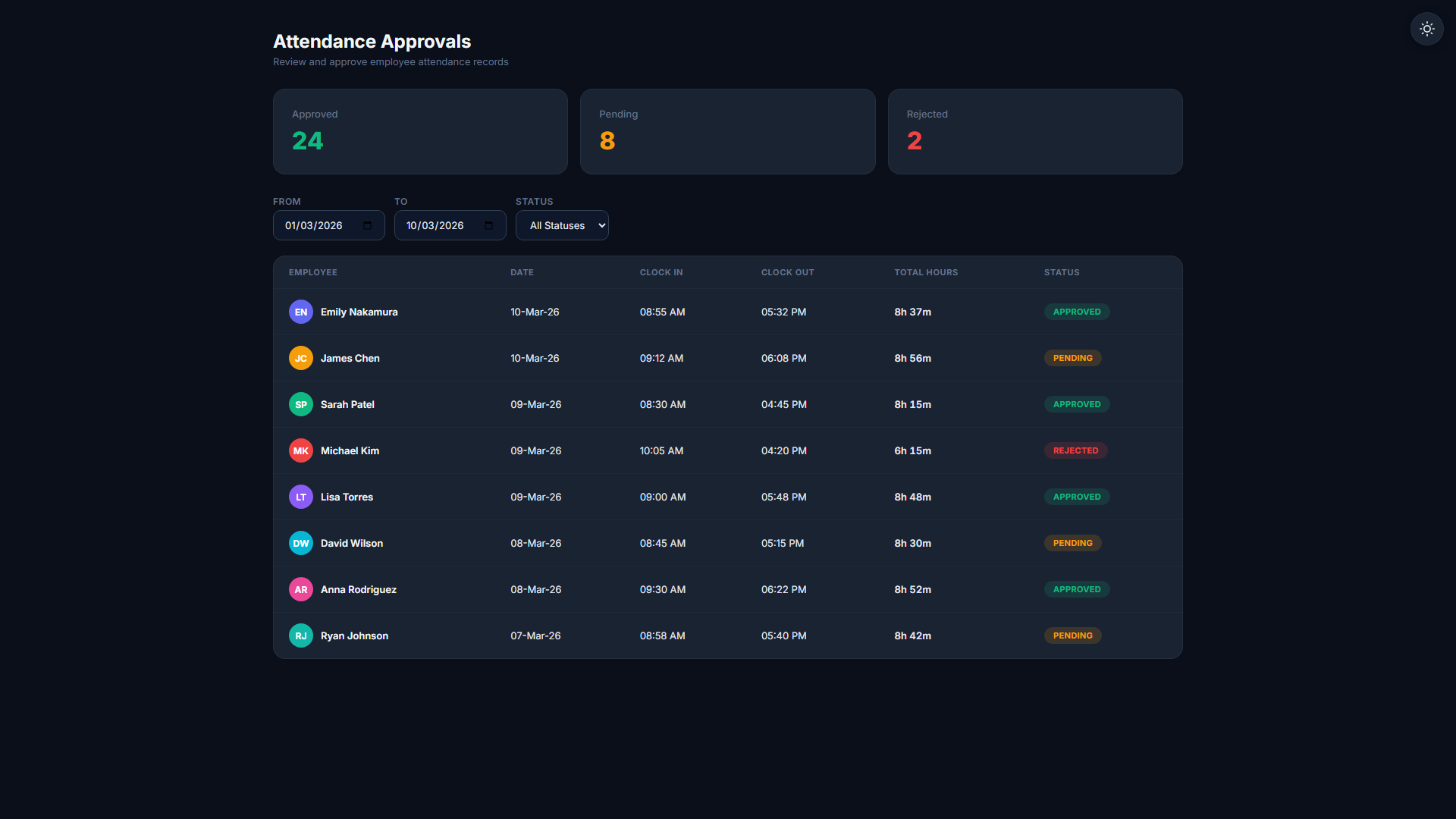
Work-Block on Holiday Dates
Optionally mark specific dates as "no work allowed" — the system prevents employees from clocking in on that public holiday, enforcing the calendar automatically.
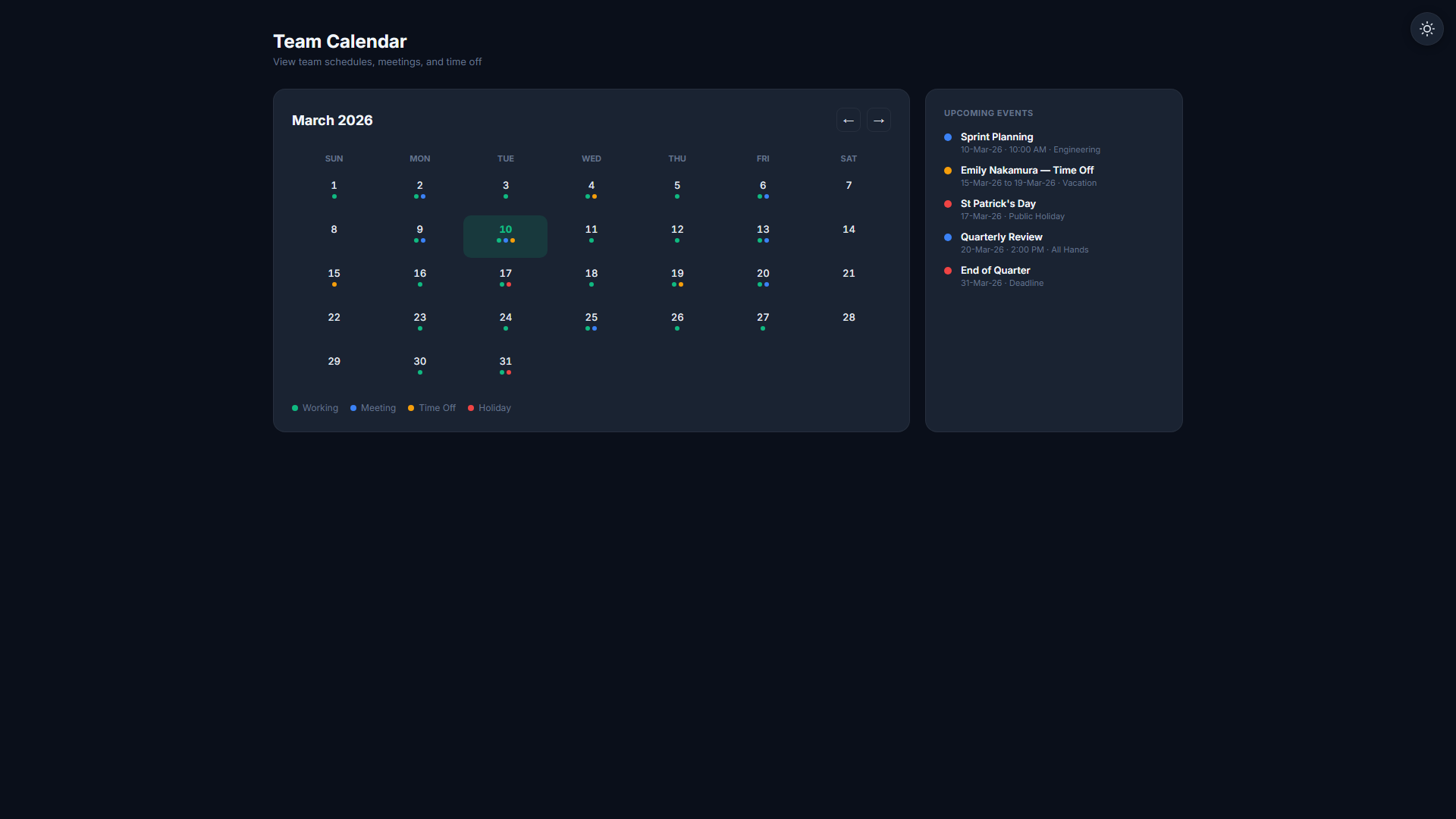
Automatic Calendar Integration
Public holidays appear automatically in the team calendar and attendance views. Managers see at a glance which days are non-working days for which employees across all regions.
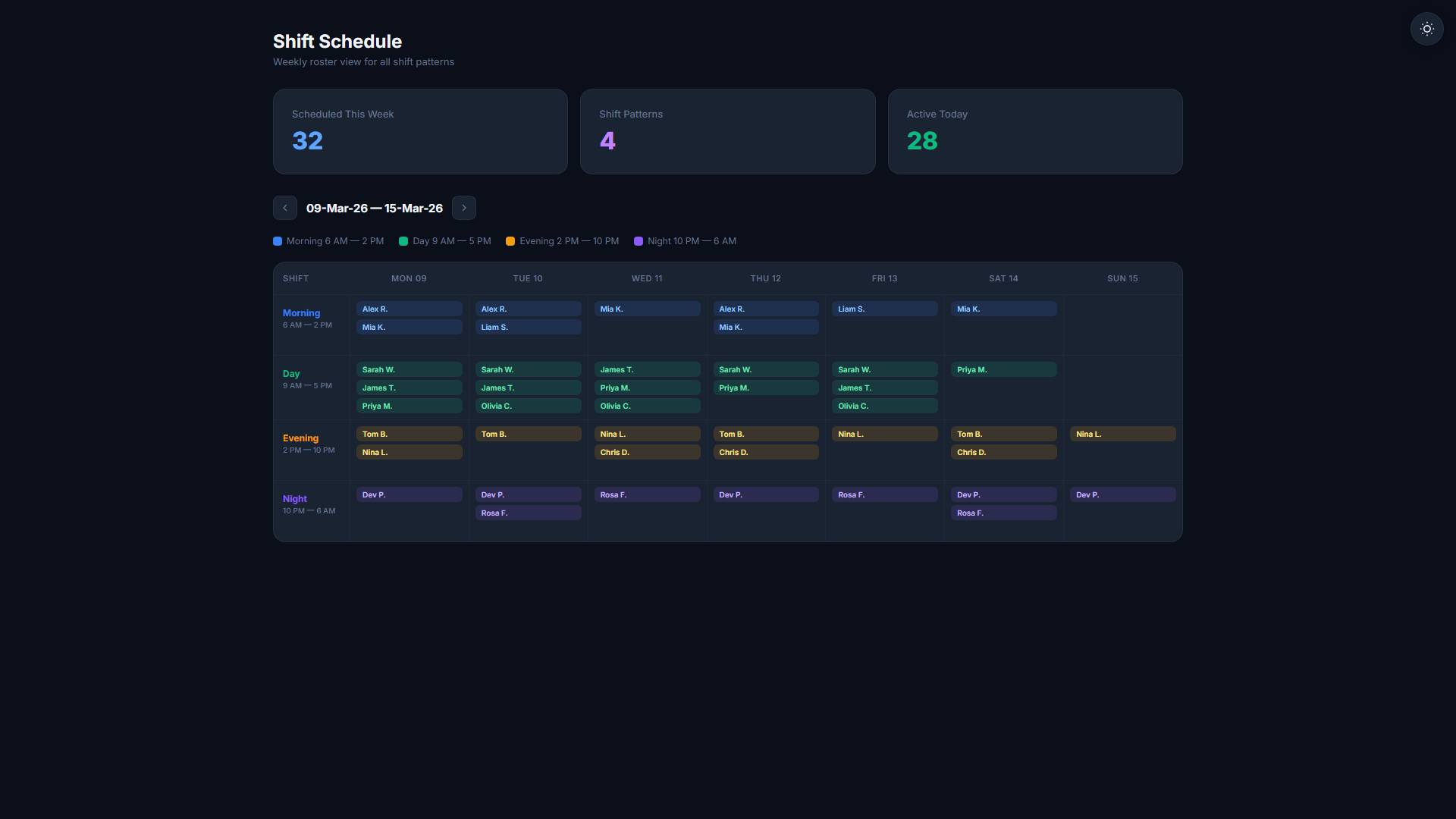
Shift Schedule Awareness
Shift templates respect each employee's holiday group. Schedulers see which days are public holidays for their region, preventing accidental scheduling on non-working dates.
Payroll Holiday Exclusion
Public holiday dates in an employee's group are automatically excluded from payroll hour calculations. No manual payroll adjustments needed when the calendar matches the employee's location.
Regional public holiday management for distributed teams
- Create regional holiday groups with named dates
- Assign employees to the right group for their location
- Optional work-block enforcement on public holidays
- Automatic calendar integration across attendance and shifts
- Payroll excludes public holiday dates automatically
From holiday group to automatic calendar in minutes
Admin Creates Holiday Groups
In Settings > Holidays, create a named group (e.g. "AU Public Holidays"), add dates and narrations, and optionally enable the work-block flag for each date.
Assign Employees to Groups
Employees are assigned to the group that matches their region. Different offices can follow different public holiday calendars with no duplication of effort.
Calendar & Payroll Update Automatically
Public holiday dates appear in the team calendar, attendance views, and shift schedules. Payroll excludes those dates automatically. No manual entry anywhere.
Related Features
Start your 14-day free trial
No credit card required. Holiday Management available on Professional plan and above.
Start Free Trial